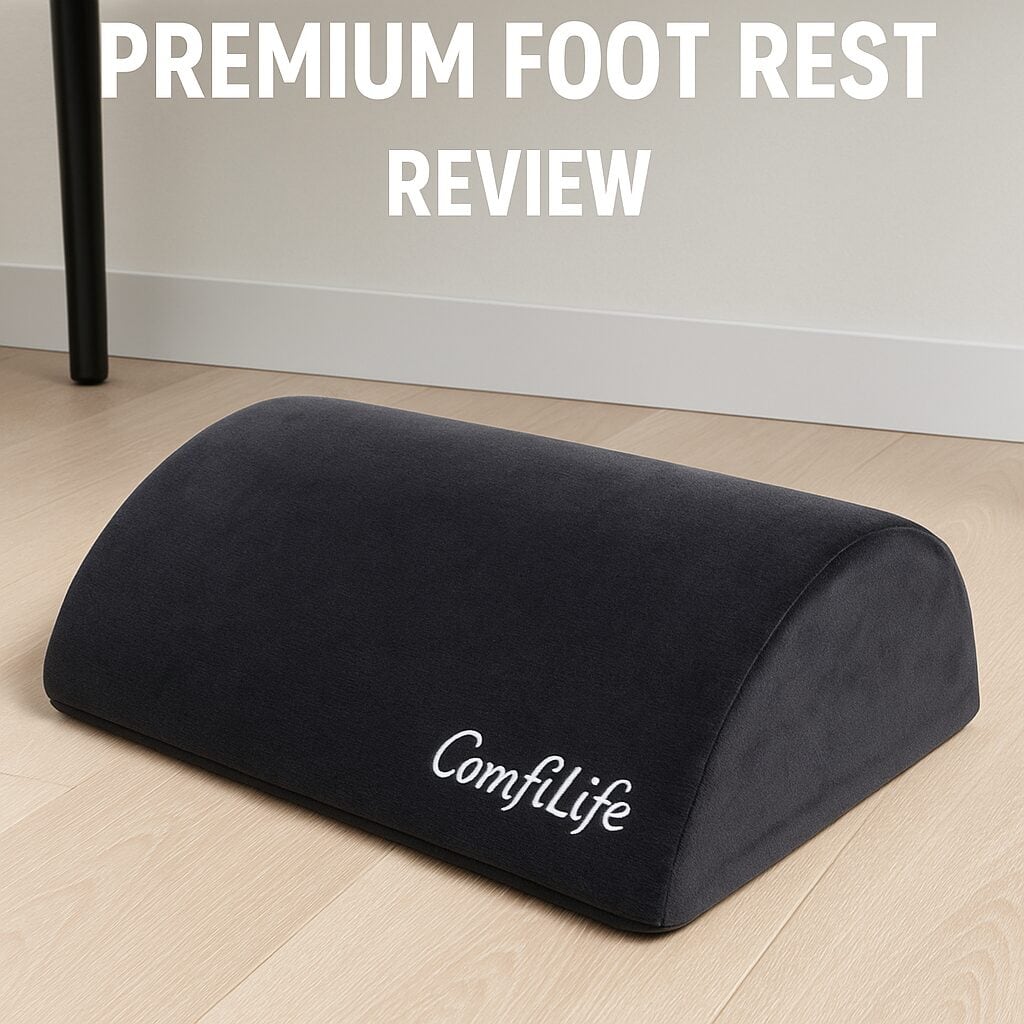
ComfiLife Premium Foot Rest Under Desk Review (2025): The Ultimate Guide to Under‑Desk Comfort
In the modern world of remote work, we’ve perfected our top‑half setup — ergonomic chairs, high‑res monitors, mechanical keyboards — but what about the other half? A quality footrest isn’t a luxury; it’s a foundational tool for posture and comfort. The ComfiLife Premium Foot Rest Under Desk promises proper leg support, improved circulation, and all‑day comfort thanks to its memory‑foam construction and adjustable height.
How DeskZen Reviews
Expert Publications
We analyze hands‑on tests from trusted industry publications like Modern Castle and TechGearLab.
Technical Data
We verify features and materials directly from manufacturers and retailer datasheets.
Customer Ratings
We synthesize verified buyer feedback from Amazon and Reddit to spot real‑world patterns.
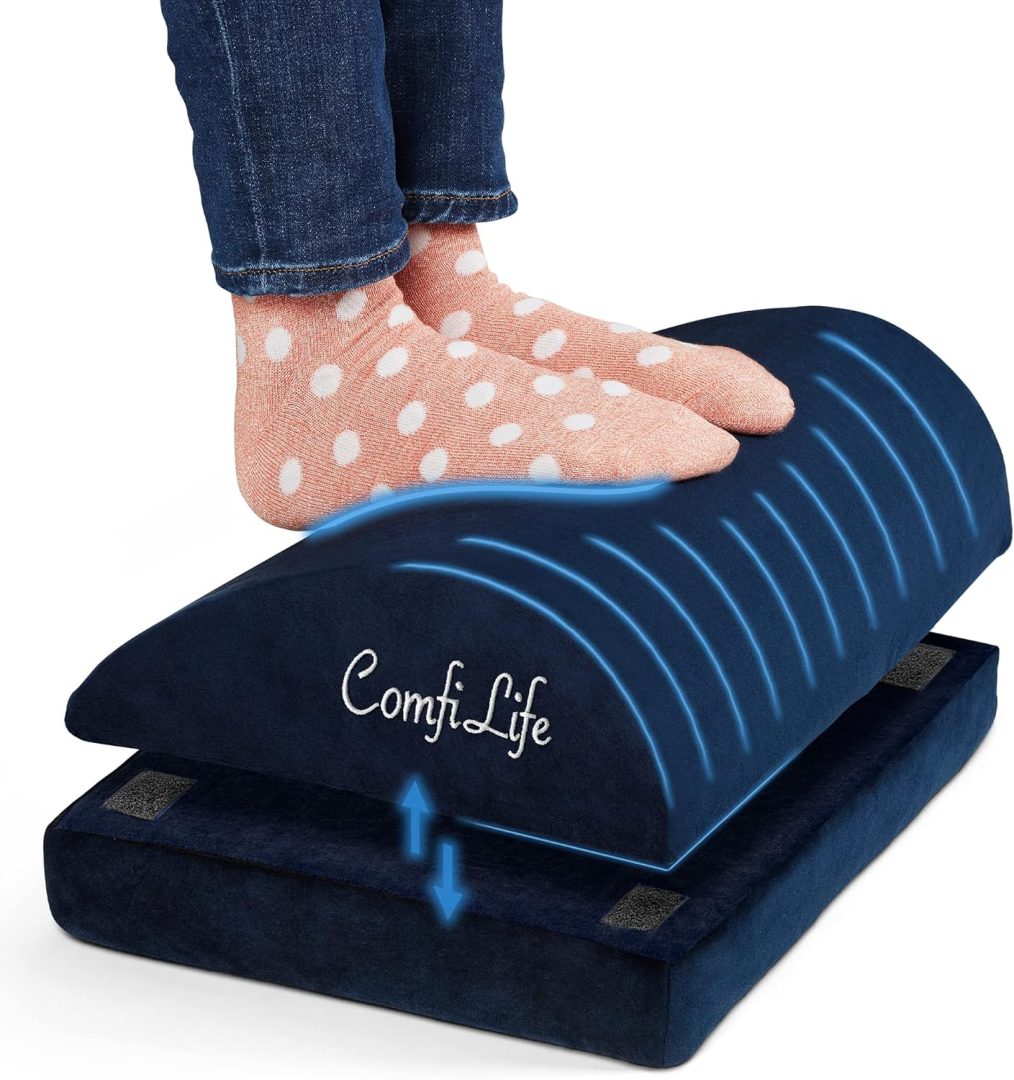
ComfiLife Premium Foot Rest Under Desk
The ComfiLife is a best‑selling, budget‑friendly footrest that elevates the feet to relieve pressure on the lower back and promote healthy circulation. Its memory‑foam core and removable base let you tune height and comfort in seconds.
- Type:Memory‑foam under‑desk footrest (cushion)
- Height Options:2 levels (standard + base extender)
- Motion:Flip to use as a rocker for micro‑movements
- Cover:Removable & washable, anti‑slip bottom
- Price:$$
Why an Ergonomic Footrest is Non‑Negotiable
A footrest does more than give your feet a place to land — it helps you achieve a neutral, 90‑degree knee angle, reducing lumbar strain and boosting circulation. Add gentle rocking and you get “active sitting” without leaving your desk.
Neutral Posture, Lower Back Relief
Memory‑foam fills the gap when your chair height and desk height don’t perfectly match, helping you maintain a neutral pelvis and reduce pressure on the lumbar spine.
Active Sitting & Circulation
Flip the cushion to use the curved side as a rocker. Micro‑movements act like a pump for your legs, reducing stiffness from long sessions.
In‑Depth Analysis: How the ComfiLife Performs
Footrests look simple, but material density, height options and base stability matter. Here’s what stands out in daily use.
Comfort & Materials
The memory‑foam core strikes a balanced density: soft enough to relieve pressure points, firm enough not to pancake after an hour. The washable cover is grippy on the bottom, so the footrest stays put on hardwood and low‑pile carpet.
Adjustability & Motion
With the base extender attached, shorter users can reach an ideal knee angle; taller users can remove it for a lower profile. Flipped over, the curved surface provides a gentle rocking motion for fidget‑friendly focus.
Pros & Cons at a Glance
✓Pros
- Supportive memory‑foam comfort with washable cover.
- Two height options plus rocking mode when flipped.
- Anti‑slip base keeps it stable on most floors.
- Excellent value in the $$ range.
✗Cons
- No “lockable” tilt like hard‑platform footrests.
- Foam requires periodic fluffing and rotation to keep shape.
- Not ideal for users who prefer firm plastic platforms.
Competitor Comparison
| Model | Height Options | Motion | Surface | Price |
|---|---|---|---|---|
| ComfiLife Premium Foot Rest | 2 levels (base extender) | Flip to rocker | Memory‑foam, washable cover | $$ |
| Kensington SoleMate | Adjustable platform | Tilt 0–20° (platform) | Textured hard platform | $$$ |
| Mind Reader Adjustable | 2 levels | Fixed tilt | Smooth hard platform | $$ |
What Experts and Users Are Saying
Expert Reviews: Publications that test ergonomic accessories consistently highlight memory‑foam footrests like ComfiLife for comfort and accessibility. See industry coverage at Modern Castle and TechGearLab. For ergonomics theory and seated posture fundamentals, refer to Cornell University Ergonomics.
User Reviews: Amazon buyers frequently mention immediate relief from lower‑back pressure and leg numbness, praising the foam density and the easy‑to‑wash cover. The most common nitpick is wanting a firmer, non‑foam platform — which is where options like the Kensington make sense.
Continue Your Research
-
Premium Ergonomic Office Chairs (2025)
Pair your footrest with a chair that actually supports you.
-
Best LED Desks (2025)
Light your workspace for comfort and focus.
-
Best Small Desks with Drawers
Match your footrest with a compact, storage‑friendly desk.
-
Under‑Desk Cable Management Tray
Keep cables tidy so your feet (and mind) can relax.
Final Verdict
Is the ComfiLife Foot Rest Worth It?
For most home‑office setups, yes. You get plush comfort, simple height tuning, and an optional rocking mode — all at a very fair price.
- Buy it if: You value soft, supportive comfort and want an effortless ergonomic upgrade.
- Skip it if: You need a firm, lockable tilt platform (consider the Kensington SoleMate).
The Art of Sitting: Your Definitive Guide to Ergonomic Chairs
Your chair is the most critical tool for sustained performance. Our pillar guide explores the science of dynamic seating, reviews the top models, and empowers you to make a wise investment in your health and focus.
Discover Your Perfect ChairCan the drawers be installed on either the left or right?
Yes. The drawer unit is reversible during assembly, so you can choose the left or right side to match your room layout.
What tools are required to assemble the Lufeiya White Small Desk with Drawers?
A standard Phillips screwdriver is sufficient. An Allen wrench is included in the box.
Is this 40″ desk suitable for dual-monitor setups?
It’s best for a laptop or a single monitor plus accessories. Dual-monitor setups may be possible with smaller screens but are not ideal.
Does the Lufeiya desk include built-in cable management?
No. There are no built-in grommets or trays. Consider adding a separate under-desk cable tray or clips for a cleaner look.
How long does assembly take for the Lufeiya 40″ desk?
Most users complete assembly in about 30 minutes working solo, thanks to clearly labeled parts and simple steps.

Leave a Reply