Update July 2025
Introduction
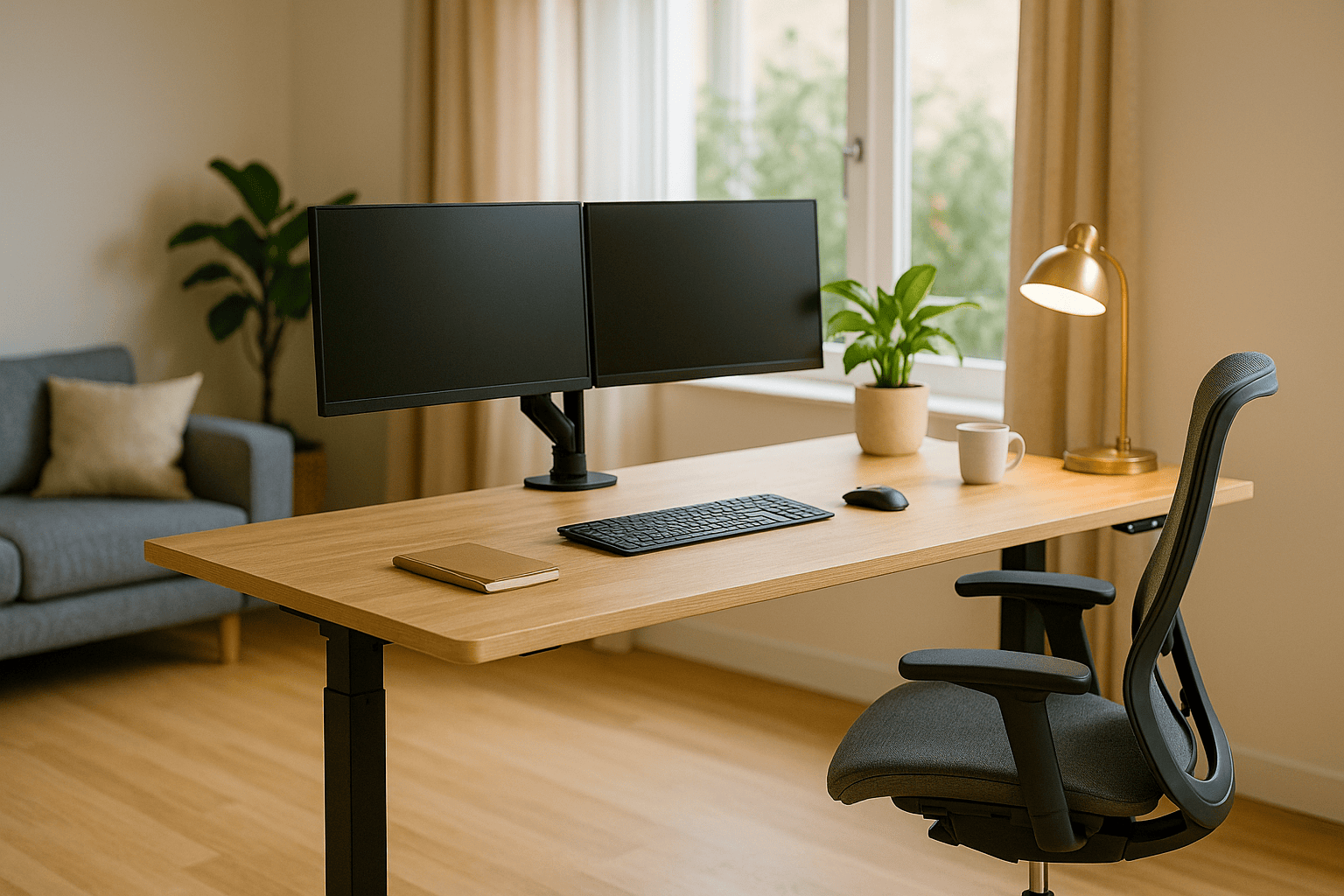
Looking to improve your workspace without blowing your budget?
Standing desks can dramatically boost comfort and focus when working from home—but many options cost $500 or more, making them hard to justify for freelancers, students, or new remote workers.
At DeskZen, we’ve analyzed dozens of tested models to identify the top-performing standing desks under $200. Whether you’re after a motorized model with memory presets or a simple adjustable frame, these desks offer real value—without cutting corners.
In this guide, we’ll break down:
- What makes a budget standing desk worth it
- When and where these desks work best
- And which models we actually recommend for 2025
So if you’re asking yourself:
“Can I really get a good standing desk for less than 200 bucks?”
Yes. Let us show you how.
The Ultimate Standing Desk Guide (2025)
Discover the transformative power of a dynamic workspace. Our definitive guide explores the health benefits, key features to look for, and top models to elevate your focus and well-being.
Read the Full GuideQuick table of our two competitors
| Model | Type | Price | Main Features | |
|---|---|---|---|---|
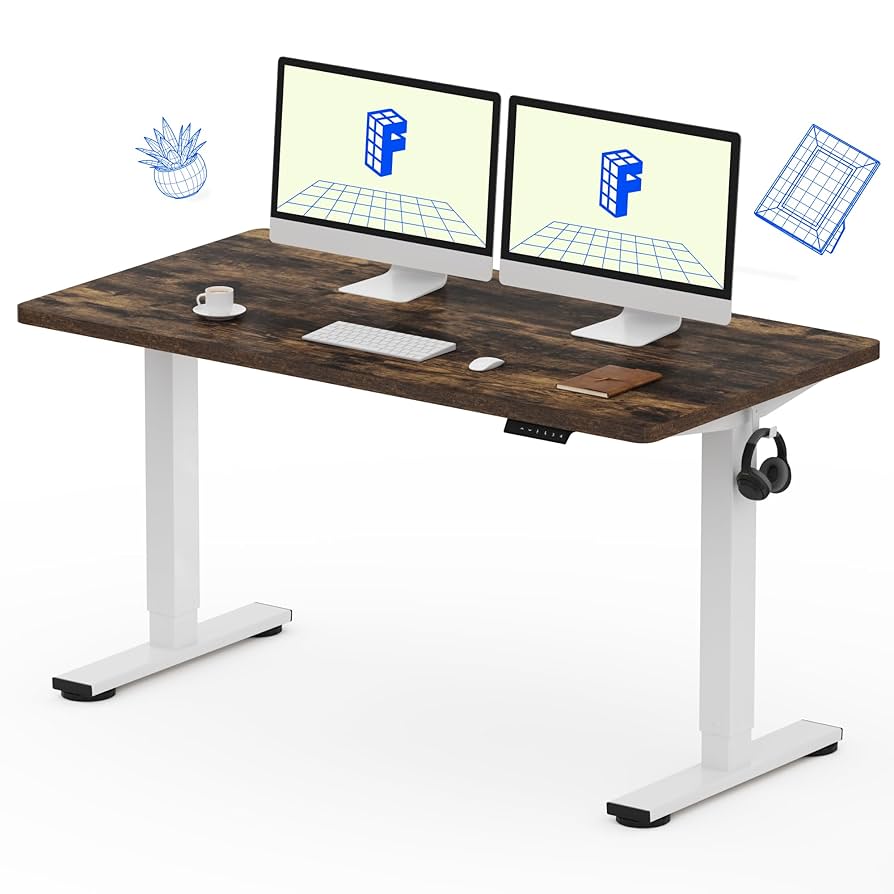
| FlexiSpot EN1 | Electric | ~$200 | 48×24”, memory presets, quiet motor | View on Amazon |
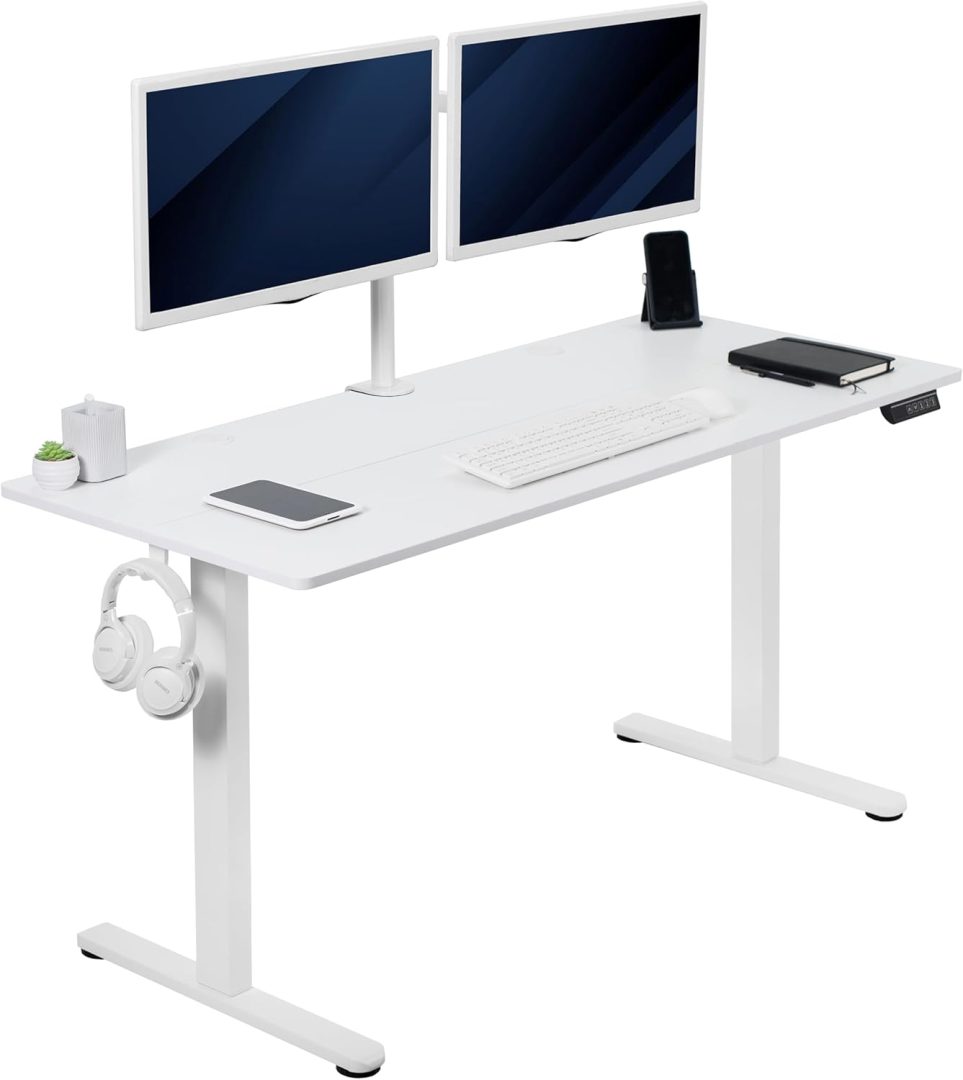
| VIVO 55×24″ | Electric | ~$190 | Wider surface, memory control, solid frame | View on Amazon |
How DeskZen Reviews
To create the most comprehensive review possible, our team analyzes dozens of sources. This includes hands-on reviews from expert publications, technical data from manufacturers, and hundreds of verified customer ratings from sites like Amazon and Reddit. We synthesize this data to give you a complete, unbiased picture of the product’s real-world performance. We don’t give one opinion but a research based on multiple opinions and reviews.
The Art of the Perfect View: A Guide to Monitor Arms
Elevate your screens to achieve perfect ergonomic alignment. Our definitive guide covers the science, top models, and setup tips to reclaim your desk space and reduce neck strain.
Read the Full GuideSection 1 – What is a Budget Standing Desk?
A budget standing desk is simply a sit-stand desk under $200, designed to give you basic ergonomic benefits without the premium extras.
There are two main types:
- Electric desks (motorized, up/down with a button)
- Manual desks (hand-crank or gas-lift models)
They’re usually made with powder-coated steel frames and a laminated top. You won’t get bamboo finishes or dual motors—but you will get height adjustability, posture support, and often even preset memory buttons.
And that’s more than enough for 90% of remote workers.
Section 2 – Who Should Use a Budget Standing Desk?
Budget standing desks are ideal for:
- Freelancers & students working from small apartments
- Home office workers who want to try sit-stand routines without a huge investment
- Side setups (like a second screen or compact studio space)
- Gift ideas for family or teens starting hybrid school/work
They’re not for everyone: if you need ultra-high weight capacity, extra-deep surfaces, or 3-monitor setups, a premium desk might suit you better.
But if you just want something comfortable, stable, and adjustable, these budget options are more than up to the task., and adjustable, these budget options are more than up to the task.
Buying Criteria: How to Choose a Standing Desk Under $200
Not all budget desks are created equal. Before picking one, here’s what really matters:
1. Stability & Weight Capacity
Even in the budget range, your desk needs to stay solid—especially at full height. Look for desks that support at least 150 lbs, with reinforced legs and anti-wobble design.
💡 Tip: Single-motor desks can be very stable if well-designed, but avoid plastic feet or ultra-thin frames.
2. Motor Type & Controls
Most desks under $200 have a single motor, which is fine for light setups. What makes a real difference is the controller:
- Does it offer memory presets?
- Is the movement smooth and quiet?
- Are there safety features (collision stop, overheat protection)?
If the answer’s “yes,” it’s a good sign—even on a budget.
3. Surface Area & Workspace Fit
Some budget desks go as small as 40″. For real comfort, we suggest:
- 48″ minimum if you use dual monitors
- 55″ or more for creative or editing work
Make sure the depth is also ≥ 24″ to avoid crowding your keyboard/mouse zone.
4. Ergonomics & Daily Usability
Does the desk go low enough for seated work? High enough for your standing posture?
Check the height range, not just the max. Ideally:
- Min height: < 29″
- Max height: ≥ 47″
Bonus: soft edges, rounded corners, or cable grommets can really boost comfort.
5. Assembly & Warranty
Some desks take 15 minutes. Others take an hour and a prayer. Look for:
- Clear instructions (PDF/manual or video)
- Pre-drilled holes for the top
- At least 2-year warranty for the motor/frame
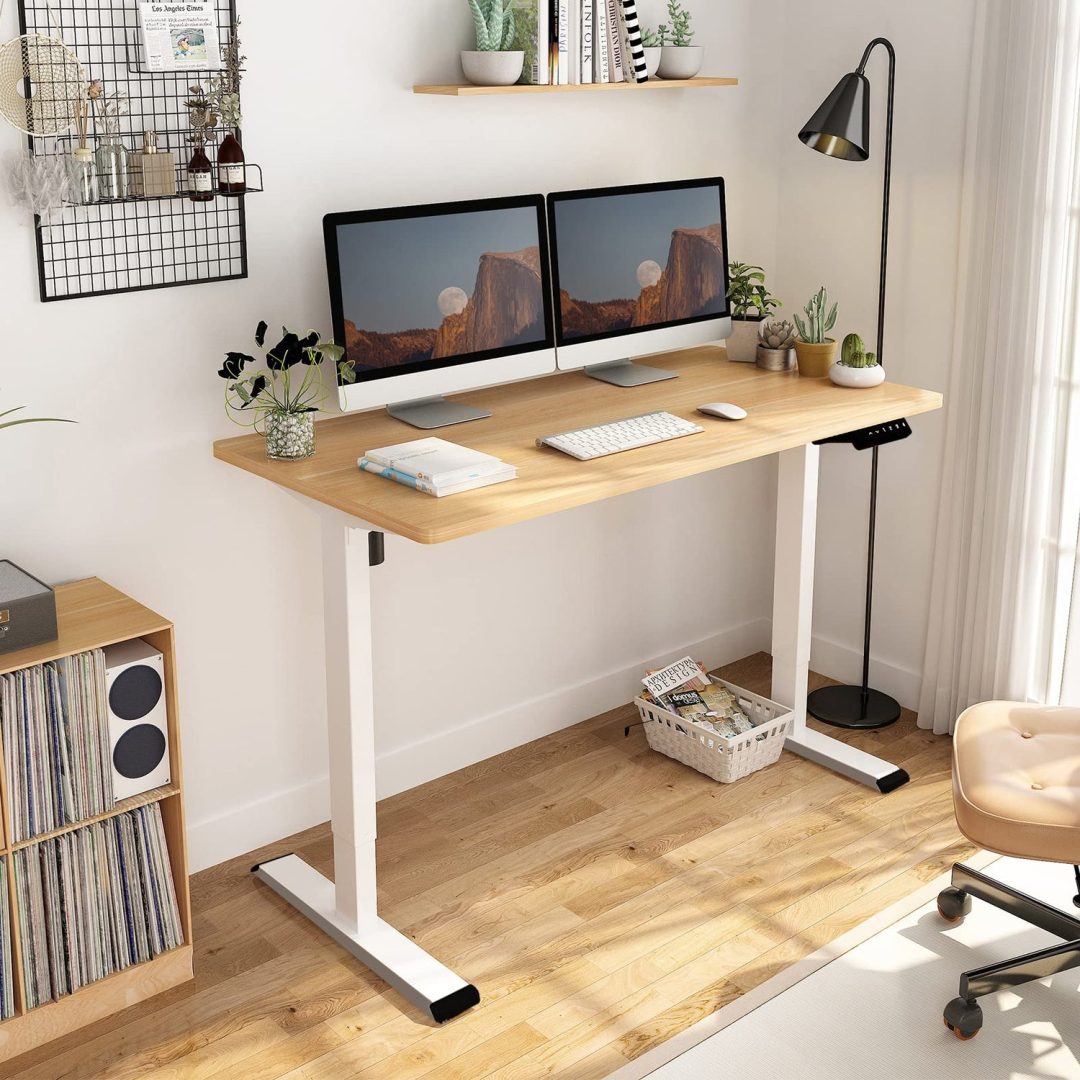
FlexiSpot EN1 – A Trusted Budget Electric Desk for Daily Workflows
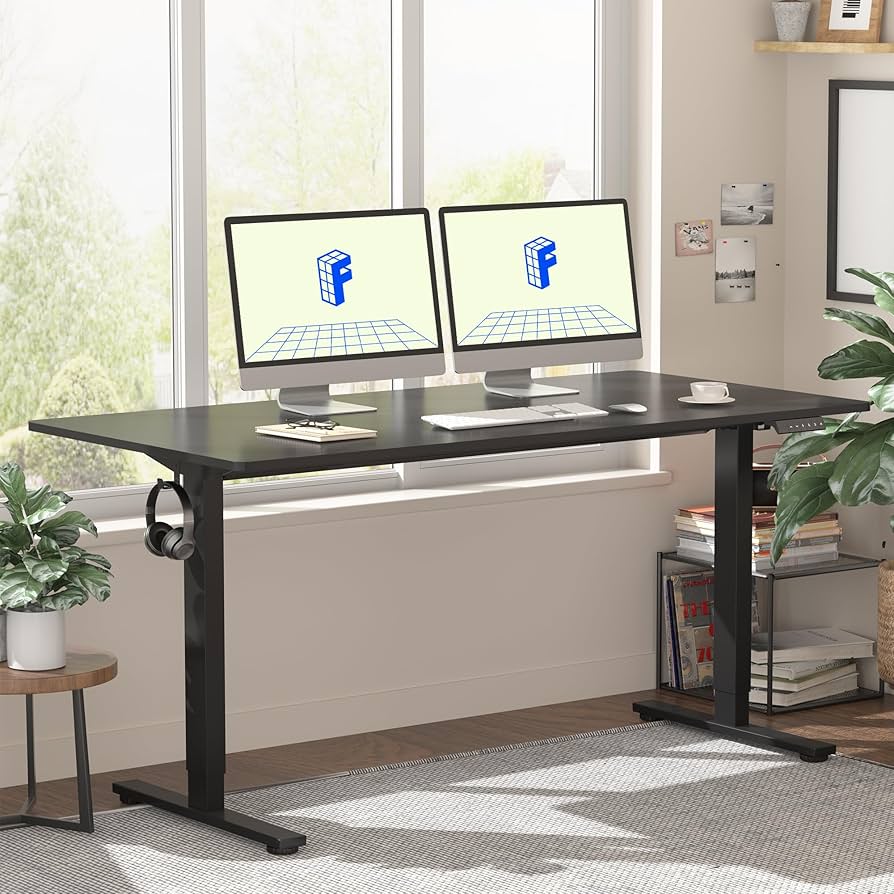
Image Gallery
Flexispot EN1 video review
📝 Summary
This video provides a hands-on overview of the FlexiSpot EN1 electric desk. It covers assembly, height adjustment demo, motor noise, and frame stability. The reviewer highlights the memory presets and tests the desk with a dual-monitor setup.
🗣️ Short Transcription
“This is the FlexiSpot EN1 review. Assembly took about 45 minutes. The desk goes up and down smoothly, it’s not too loud, and it supports up to 150 lbs easily. I like the memory presets—it’s a good starter desk if you’re on a budget.”
🔧 Features & Specs
- Height range: 28″ – 47.6″
- Single quiet motor
- Max load: 154 lbs
- Desktop: 48″ x 30″, smooth finish
- Memory presets: 3 programmable heights
- Frame: Steel construction with color options
⚙️ Performance & User Value
If you’re looking for a reliable electric standing desk under $200, the FlexiSpot EN1 is one of the few that consistently delivers. While it doesn’t come with the dual-motor boost of higher-end models, its motor is smooth and quiet—more than enough for typical home office setups.
The memory presets are intuitive and responsive, a rare bonus in this price range. Stability is good across most height levels, although like many entry-level frames, it can show a slight wobble when fully extended.
Is it perfect? No. Is it dependable? Absolutely. For remote workers who want a quality adjustable desk without overspending, it strikes a very solid balance.
🎨 Design & Ergonomic Fit
Available in multiple finishes, the EN1 blends into minimalist or traditional spaces. The smooth rounded corners and neutral tones make it easy to pair with existing décor. For those aiming to improve posture and comfort at their own pace, it’s a smart step forward.
✅ Pros & Cons
| Pros | Cons |
|---|---|
| ✅ Clean, versatile design | ❌ No dual-motor support |
| ✅ Memory presets included | ❌ Slight wobble at tallest setting if overloaded |
| ✅ Strong price-to-performance ratio | ❌ Assembly takes 45–60 minutes solo |
FlexiSpot EN1 – Review Excerpts & Analysis
👥 User Review Excerpt
“For the price, this desk exceeded my expectations. Setup was a bit long but the memory buttons work great and the frame is sturdy. It’s not luxury, but for a home office it’s more than enough.” – ★★★★☆
💬 DeskZen’s Take
This is exactly why the EN1 remains a top pick in its price range. Setup time is typical, but the end result is a desk that feels reliable and does what it promises — at under $200.
🧠 Expert Review Excerpt (TechRadar)
“FlexiSpot’s EN1 is one of the best budget-friendly electric standing desks you can buy. It’s not flashy, but the build quality and memory presets are impressive for the price.”
— TechRadar.com
💬 DeskZen’s Take
FlexiSpot’s reputation for value and durability holds up here. Experts confirm what users report: this isn’t a “cheap” desk — it’s an affordable one that does the job with surprising consistency.
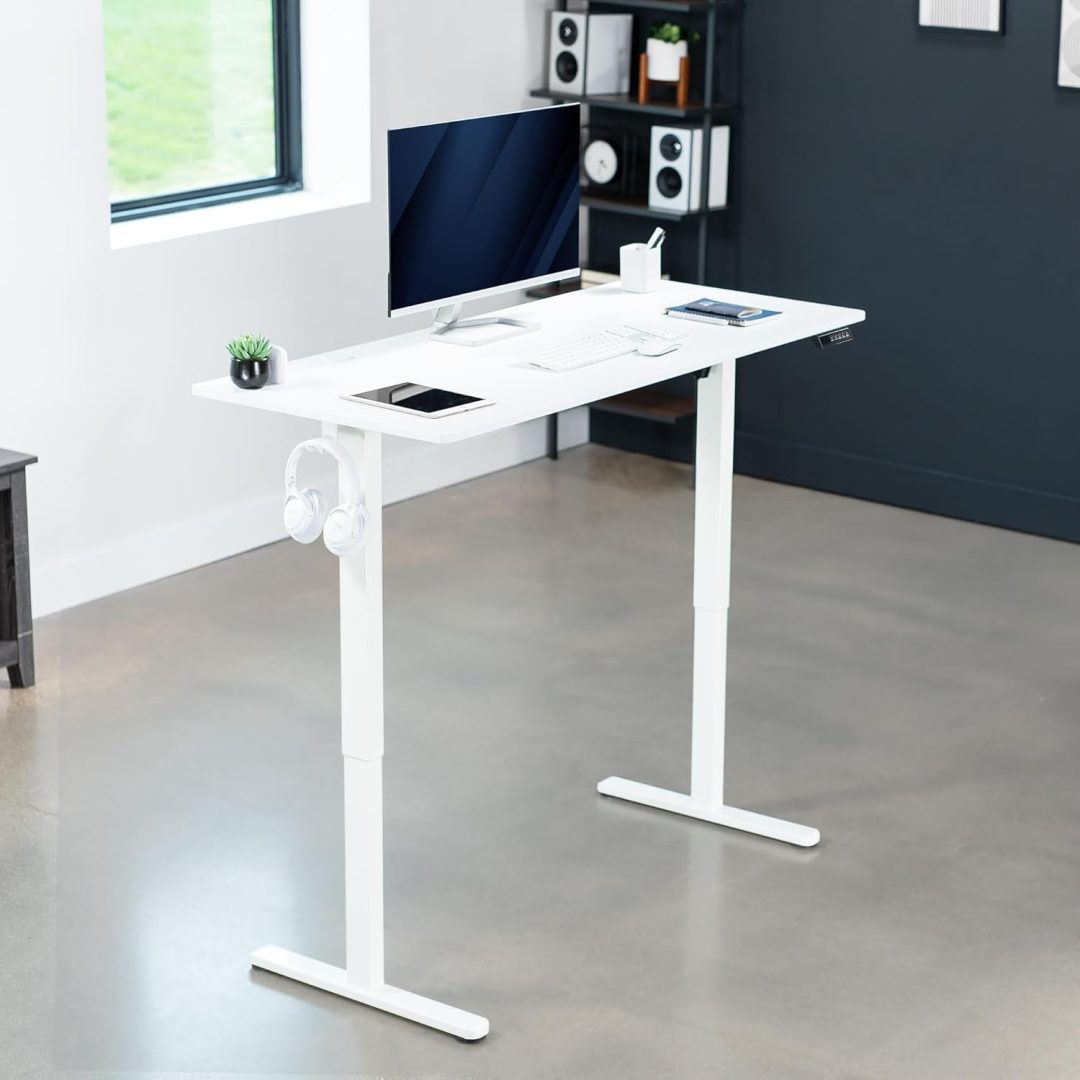
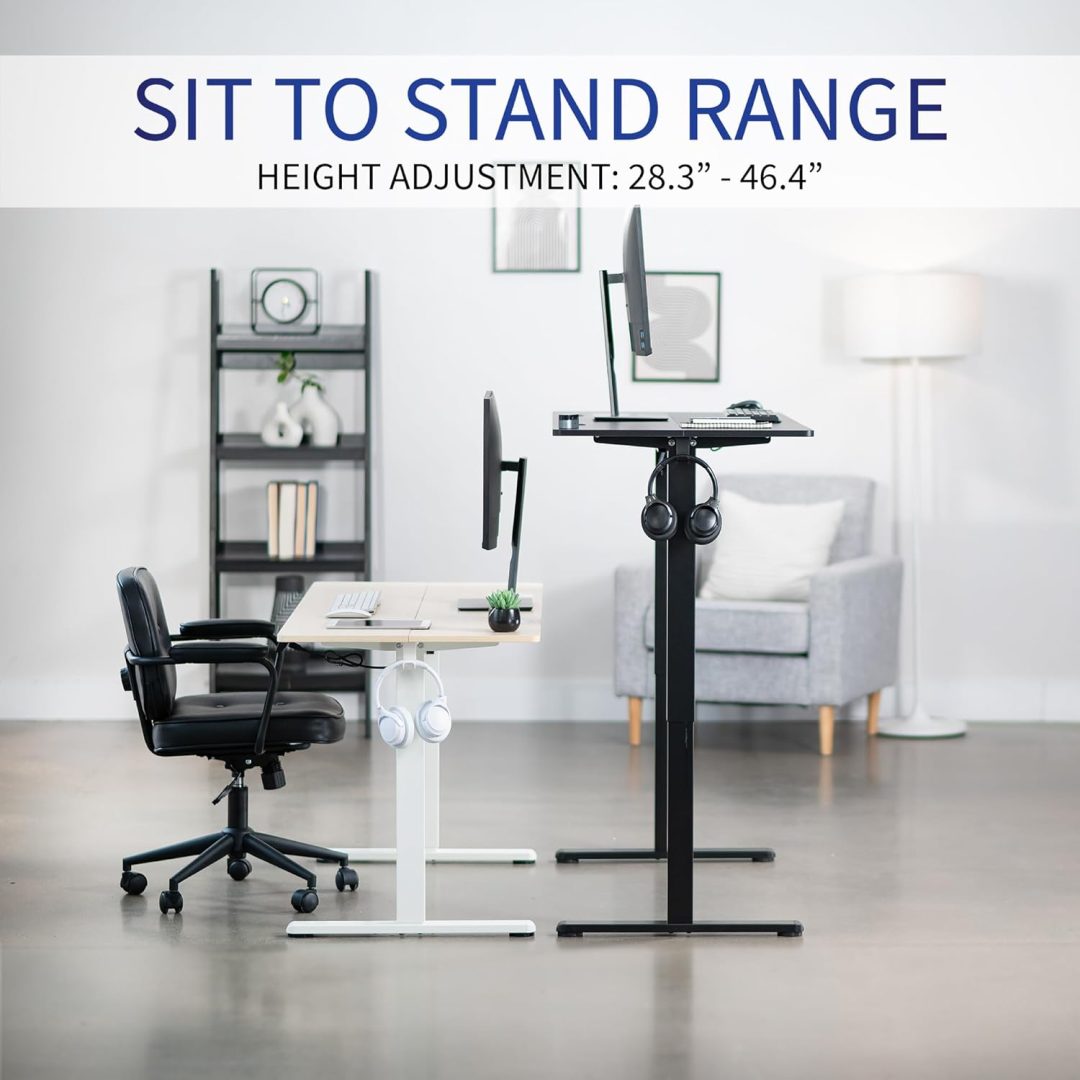
VIVO 55×24″ – Extra Surface, Reliable Motor, and an Unexpectedly Low Price
Image Gallery
VIVO 55×24″ video review
📝 Summary
This video shows the assembly process for the VIVO DESK-E155 model, with a focus on the build quality, frame sturdiness, and the responsiveness of the electric lift system. It highlights the desk’s safety features and control panel.
🗣️ Short Transcription
“In this video, we’re setting up the VIVO 55″ x 24″ desk. The frame is solid and heavy. It goes up and down smoothly with the touch controller. There’s collision detection and overheat protection too—really useful for daily use.”
🔧 Features & Specs
- Height range: 29″ – 48.7″
- Single motor + memory controller
- Load capacity: 176 lbs
- Desktop: 55″ x 24″
- Frame: Steel, T-leg style
- Safety: Overheat and collision protection
⚙️ Practical Analysis
The VIVO 55×24″ electric desk pushes the limits of what you can expect from a sub-$200 workstation. You get more surface area than most competitors, a responsive memory controller, and a stable structure that holds well under typical dual monitor loads.
It’s not pretending to be premium. It’s built to get the job done—for writers, developers, designers, or anyone tired of the seated slump. The value it offers is undeniable.
🎨 Design & Comfort
If you’re short on space but still want a desk that feels spacious, the 55″ width is a game-changer. While the surface is laminated rather than solid wood, it holds up well to daily wear. The included controller is straightforward and responsive, perfect for those switching postures throughout the day.
✅ Pros & Cons
| Pros | Cons |
|---|---|
| ✅ Wide surface ideal for dual monitors | ❌ No cable management tray included |
| ✅ Memory controller with anti-collision | ❌ Slightly sharp edge finish |
| ✅ Great price for what you get | ❌ Two-person assembly recommended |
VIVO 55×24″ – Review Excerpts & Analysis
👥 User Review Excerpt
“The desk is wide, stable, and the motor is smooth. I only wish the setup was easier — it definitely takes two people. But once assembled, it’s super solid.” – ★★★★☆
💬 DeskZen’s Take
That’s consistent with what we saw: assembly is the tradeoff for a wider, heavier-duty frame. If you can manage the setup, the payoff is worth it — especially for multi-screen setups.
🧠 Expert Review Excerpt (Tom’s Guide)
“VIVO’s desks continue to offer strong specs at entry-level pricing. While they lack some polish, they’re ideal for users who prioritize size and sturdiness over bells and whistles.”
— Tomsguide.com
💬 DeskZen’s Take
This nails it: the VIVO 55×24″ is for people who want more space and strength than the ultra-compact models offer. It won’t win design awards, but it gets the work done — reliably.
Comparative table
| Feature | FlexiSpot EN1 | VIVO 55×24″ |
|---|---|---|
| Price (est.) | $99 (on sale, reg. $169.99) | $149 |
| Desktop Size | 48″ x 30″ | 55″ x 24″ |
| Height Range | 28″ – 47.6″ | 29″ – 48.7″ |
| Weight Capacity | 154 lbs | 176 lbs |
| Motor Type | Single motor | Single motor |
| Memory Presets | Yes (3 presets) | Yes |
| Anti-collision / Safety | No | Yes (collision & overheat protection) |
| Frame Style | Square legs, metal base | T-style steel frame |
| Assembly Difficulty | Medium (45–60 min solo) | Medium-high (2 people recommended) |
| Color Options | Multiple (white, black, mahogany) | Limited (usually white or black) |
| Warranty | 5 years (frame), 2 years (motor) | 3 years (frame + motor) |
| Amazon Link | View on Amazon | View on Amazon |
Both desks deliver excellent value, but they clearly serve different user profiles.
The FlexiSpot EN1 is compact, simple, and ideal for most remote workers who want a clean, quiet, adjustable workspace. Its limited safety features are acceptable at this price, especially considering the current sale price of $99, which is simply unmatched.
Meanwhile, the VIVO 55×24″ offers a larger surface, extra weight capacity, and built-in safety tech like anti-collision detection. It’s a smart choice for heavier setups (dual monitors, accessories) and those who value that extra peace of mind.
If you’re someone who moves often or wants a desk that can grow with your tech setup, VIVO may be the safer long-term investment.
🥇 DeskZen’s 2025 Recommendation
At the time of writing, the FlexiSpot EN1 is available for just $99 on Amazon—a rare and possibly time-limited offer.
Given its feature set, 3 memory presets, and clean build, it’s our Top Pick for Budget Buyers.
🧠 If you’re just getting started with ergonomic setups and want real value without compromise, grab the EN1 while the price holds.
That said, if you need more surface area, higher capacity, and integrated safety features, the VIVO 55×24″ justifies its higher cost and deserves serious consideration.
FAQ
Can I get a reliable electric standing desk under $300?
Yes. Several models like the FlexiSpot EN1 and VIVO 55×24″ offer solid performance, memory presets, and decent warranties—all under $300.
What’s the difference between single and dual motor desks?
Single motor desks use one motor to lift both legs simultaneously. Dual motors are faster and often more stable at higher weights, but they’re usually more expensive.
Are cheap standing desks safe?
Most are safe for everyday use, but budget models may lack advanced features like anti-collision. Always check load limits and assembly stability.
How much weight can budget standing desks hold?
Typically between 130 and 180 lbs. This is enough for most setups with 1–2 monitors, a laptop, and accessories.
Is the FlexiSpot EN1 still worth it if not on sale?
Yes. Even at its regular ~$170 price, it remains one of the most trusted and feature-rich options in the entry-level segment. But the current $99 offer is a steal.
Conclusion & Next Steps
Finding a solid standing desk under $200 used to be tough. Today, it’s not only possible—it’s surprisingly rewarding.
Both the FlexiSpot EN1 and VIVO 55×24″ deliver real ergonomic value without the premium price tag. Whether you’re outfitting a full-time home office or testing out sit-stand work for the first time, these models prove you don’t need to overspend to work better.
Want to explore more high-end options or deep-dive into posture, cable management, and workspace design?
Head over to our Electric Standing Desk Guide for 2025 for a broader selection and expert recommendations.

Leave a Reply
You must be logged in to post a comment.