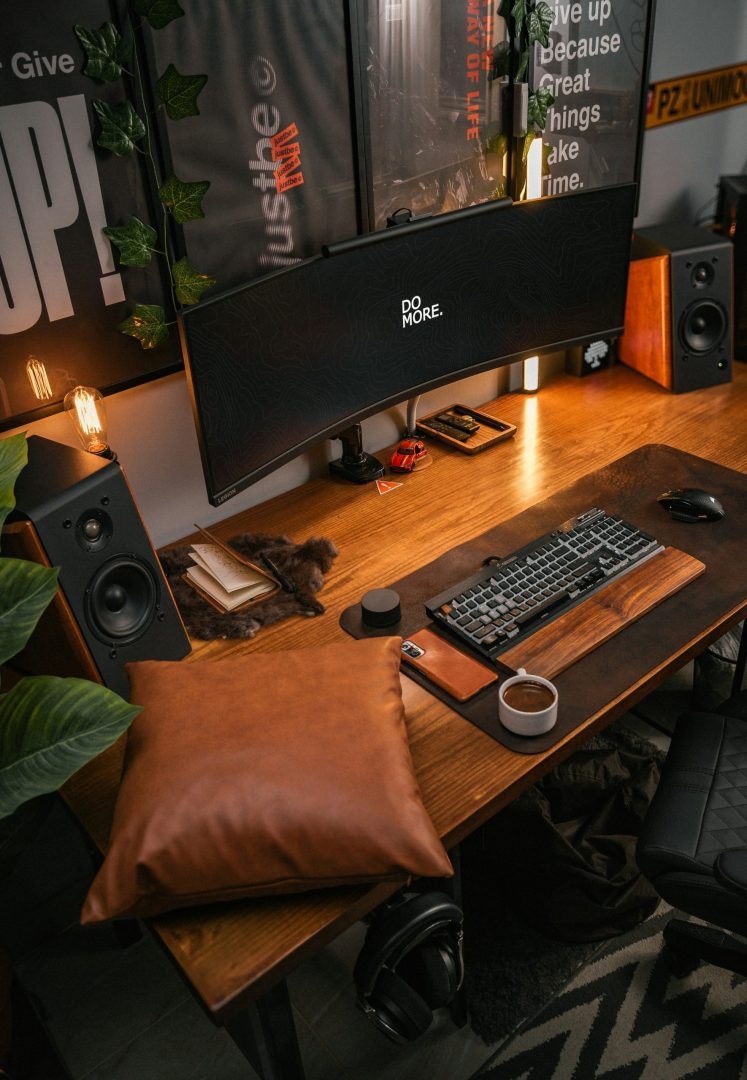
The Art of the Perfect View: A Definitive Guide to Monitor Arms
An investment in how you see your work is an investment in how you work. We review the best adjustable monitor arms for 2025.
A quality monitor arm is one of the most transformative upgrades you can make to your workspace. It elevates your screen to the perfect ergonomic height, liberating you from neck and back strain. It reclaims vast amounts of valuable desk space, creating a clean, organized, and focused environment. This guide is your definitive resource. We have synthesized extensive research to explain the science of display ergonomics, deconstruct the key features that define a great mount, and present a curated selection of the best monitor arms for every setup and budget.

Our Top Monitor Arms: At a Glance
Best Premium
ULTRARM Pneumatic Arm: Offers flawless, one-touch gas spring adjustment and a sleek design for heavy ultrawide monitors.
Best Overall Value
Ares Wing Gas Spring Arm: Delivers smooth gas-spring performance and a robust build at a highly accessible price point.
Best for Heavy Monitors
NB North Bayou G60: A heavy-duty workhorse designed specifically to provide stable, reliable support for larger and heavier screens.
How DeskZen Reviews
We are curators. We analyze expert lab tests, long-term user feedback, and manufacturer data, then translate that mass of information into clear advice. Fewer tabs. Faster decisions. Trusted picks.
The Philosophy of Workspace Dynamics
To fully appreciate a monitor arm, we must first recognize the profound limitations of the standard monitor stand that comes in the box. These stock stands are designed for one purpose: to keep the monitor from falling over during shipping. They are not designed for you.
The Problem: The Static Screen and the Compromised Posture
A monitor on its default stand presents two fundamental problems. First, it dictates a fixed height and distance. This forces you to crane your neck down or hunch your shoulders forward to meet its gaze. This static, unnatural posture is a primary driver of chronic neck pain, backaches, and headaches. Second, its base consumes a huge, high-value portion of your desk. This “dead space” could be used for documents, devices, or simply the mental clarity that comes from an uncluttered surface.
The Three Pillars of a Monitor Mount
A monitor arm or stand solves these issues by delivering three core benefits that work in harmony:
- Ergonomics: The Body-First Approach
A monitor arm allows you to effortlessly position the top of your screen at or slightly below eye level. This is the ergonomic “sweet spot.” It keeps your neck straight and your spine in a healthy, neutral alignment. This simple adjustment has a profound impact on your comfort and endurance during long work sessions. - Space: Reclaiming Your Workspace
By lifting your monitors off the desk, a mount liberates an enormous amount of surface area. This reclaimed space is not just an aesthetic victory; it’s a productivity gain. It allows for a more organized workflow, with essential tools close at hand. It creates a cleaner, more focused environment that is conducive to deep work. - Focus: The Power of a Multi-Screen Canvas
For dual or triple monitor users, a mount is essential. It allows you to position your screens perfectly side-by-side, with minimal bezels between them. This creates a seamless, panoramic digital canvas. This setup is proven to reduce window switching, minimize distractions, and enhance multitasking for complex workflows.
A Buyer’s Masterclass: The Anatomy of a Monitor Arm
Choosing the right monitor mount involves understanding a few key technical concepts. This knowledge will empower you to select a model that perfectly suits your needs and provides years of reliable service.
Mechanism: Gas Spring vs. Mechanical
This is the “engine” of your arm.
- A gas spring mechanism uses a pressurized cylinder. This allows for incredibly smooth, fluid, one-touch adjustments. It is ideal for users who frequently change monitor positions.
- A mechanical spring uses a coiled spring. It requires more manual tensioning with a tool. While less fluid, it is often found in more affordable, highly reliable models. It’s perfect for “set and forget” setups.
Mounting Systems: Clamp vs. Grommet
This determines how the stand attaches to your desk.
- A C-clamp is the most common and versatile. It grabs the back edge of your desk without needing to drill any holes.
- A grommet mount provides a cleaner, more integrated look. It works by using a pre-drilled cable hole in your desk.
The VESA Standard: A Universal Language
VESA is the universal mounting standard for monitors. It refers to the square pattern of four screw holes on the back of your screen. The most common sizes are 75x75mm and 100x100mm. Virtually all quality monitor arms support both. Always confirm your monitor is VESA compatible before purchasing an arm.
Cable Management
A key benefit of a monitor arm is a cleaner desk. Basic models use simple plastic clips to guide cables along the arm’s exterior. Premium models feature integrated channels hidden within the arm itself. This allows for a completely seamless and professional look.
The 2025 Shortlist: Top Adjustable Monitor Arms
Each arm in this list has been selected for its exceptional balance of features, user feedback, and overall value.

VIVO STAND-V101E
A heavy-duty aluminum arm designed for large ultrawide displays up to 49 inches, featuring a sleek finish. Price: $$
View on Amazon
ULTRARM Pneumatic Arm
A premium gas-spring arm that provides smooth, fingertip control for ultrawide monitors up to 49 inches. Price: $$$
View on Amazon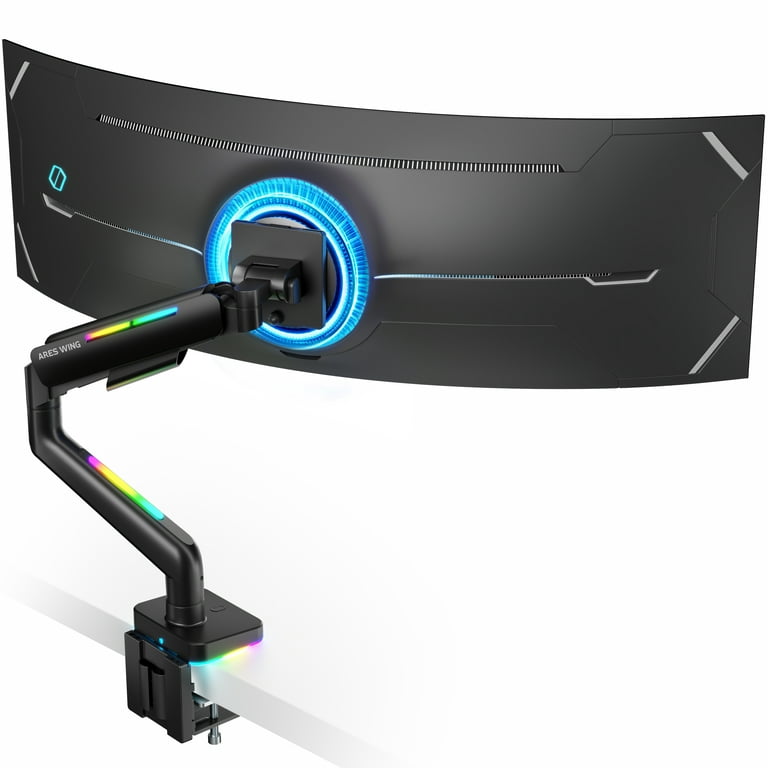
Ares Wing Gas Spring Arm
Delivers professional-style gas-spring ergonomics and a clean, modern look at a highly accessible price point. Price: $$
View on Amazon
Ares Wing Heavy Duty
A robust gas-spring arm engineered to handle heavier and larger displays up to 66 lbs with full-motion articulation. Price: $$$
View on Amazon
NB North Bayou G60
A rugged, professional-grade mount designed for heavy monitors, combining a high weight capacity with a versatile range of motion. Price: $
View on AmazonFinal Verdict
A monitor arm is not a peripheral; it is a foundational component of a modern, high-performance workspace. It is one of the few investments that offers simultaneous, tangible improvements in health, comfort, organization, and productivity. Whether you opt for an affordable and robust model like the **NB North Bayou G60** or invest in the fluid precision of the **ULTRARM Pneumatic Arm**, the act of elevating your screens is a transformative one. It empowers you to tailor your digital world to your physical needs. This creates a workspace that is not only more beautiful and organized, but fundamentally healthier and more effective.
Inquiries & Clarifications
Are monitor arms really worth the investment?
Absolutely. For anyone who spends significant time at a desk, a monitor arm is one of the highest-return investments for health and productivity. The immediate improvements in posture and the reclaimed desk space are transformative.
Will a monitor arm damage my desk?
When installed correctly on a solid desk (not hollow-core or glass), no. Quality monitor arms come with padded C-clamps to protect your desk’s surface. The key is to ensure your desk is made of a solid material and is at least half an inch thick.
Gas spring vs. manual arm: what’s the real difference?
Think of it as automatic vs. manual transmission. A **gas spring** arm allows for fluid, one-touch, fingertip adjustments, ideal if you frequently change your posture. A **manual** arm is set and tightened with a tool, making it perfect for ‘set and forget’ setups at a lower cost.
Can I mount an ultrawide or curved monitor?
Yes, but you must check two specifications: the arm’s **weight capacity** and its **VESA compatibility**. Ultrawide and curved monitors are heavier and may require a heavy-duty arm. Always ensure the arm’s maximum supported weight is greater than your monitor’s weight.
What is the VESA standard and why does it matter?
VESA is the universal standard for the four-hole mounting pattern on the back of monitors. It ensures that any VESA-compliant monitor will fit any VESA-compliant arm. The common sizes are 75x75mm and 100x100mm. It’s the simple standard that makes this whole ecosystem work.

Leave a Reply