

Introduction: Elevate Your Workspace
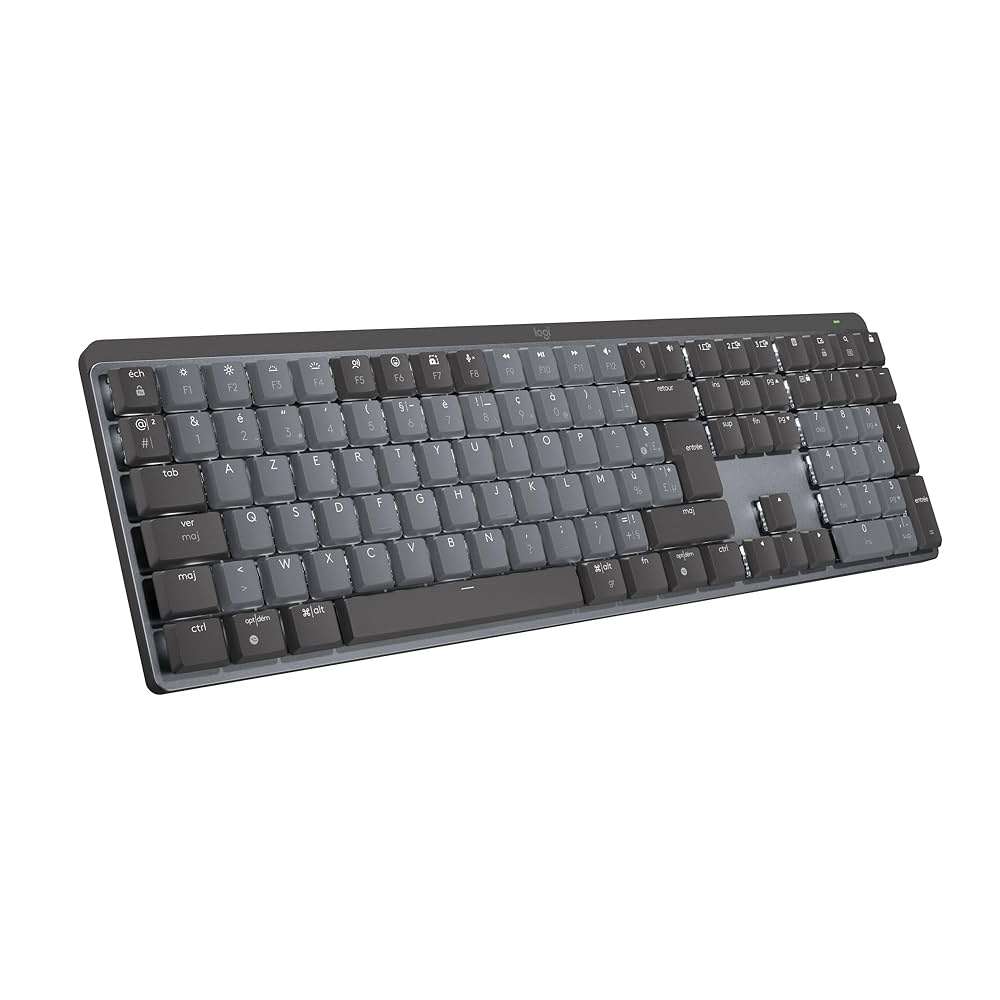
For many professionals, the keyboard is the primary interface with their work. In this context, investing in a high-quality keyboard isn’t a luxury—it’s a critical productivity upgrade. The Logitech MX Mechanical positions itself as exactly that: a low-profile mechanical keyboard engineered for creators, coders, and remote professionals who demand a perfect blend of speed, precision, and comfort.
With a premium design, intelligent backlighting, remarkably quiet mechanical switches, and seamless cross-platform compatibility, the MX Mechanical stands as Logitech’s flagship productivity keyboard for 2025. But does it live up to the hype, and is it truly worth its $169 price point? Let’s take a closer look.
| Feature | Details |
|---|---|
| Switch Type | Low-profile mechanical (Tactile Quiet, Linear, Clicky) |
| Backlighting | Smart adaptive with proximity sensors |
| Connectivity | Bluetooth + Logi Bolt | Up to 3 devices |
| Battery Life | 15 days (with backlight), up to 10 months (without) |
| Compatibility | Windows, macOS, Linux, iPadOS, Android, ChromeOS |
| Price | ~$169 |
| Check Price on Amazon | |
🖥️ Boost Your Posture Instantly
Discover the best monitor arms to free up desk space and elevate your screens ergonomically in our latest comparison.
→ Read the guide🔌 Optimize Power with Confidence
Not all surge protectors are created equal. Learn how to choose the safest, smartest option for your home office setup.
→ Read the guideHow DeskZen Reviews
To create the most comprehensive review possible, our team analyzes dozens of sources. This includes hands-on reviews from expert publications, technical data from manufacturers, and hundreds of verified customer ratings from sites like Amazon and Reddit. We synthesize this data to give you a complete, unbiased picture of the product’s real-world performance. We don’t give one opinion but a research based on multiple opinions and reviews.
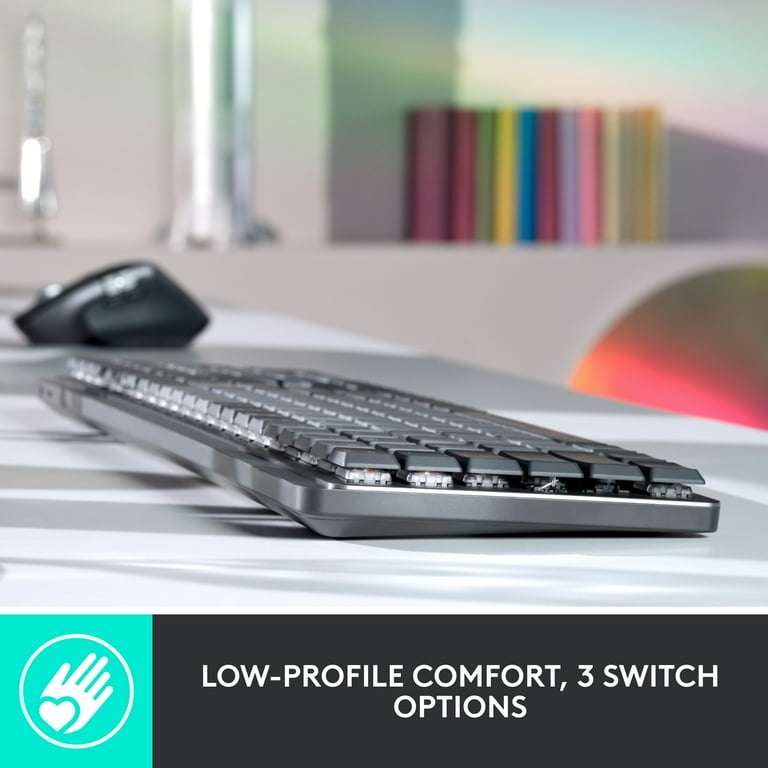
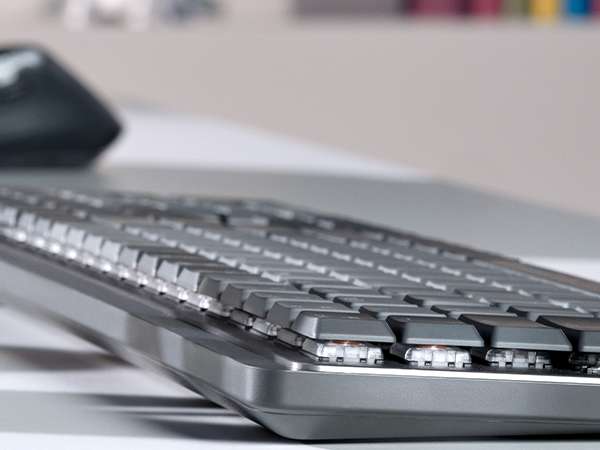
Key Features & Specifications
The Logitech MX Mechanical is packed with features designed to enhance productivity and user experience. Its standout specifications include:
- Low-Profile Mechanical Switches
Choose your preferred typing feel:
• Tactile Quiet (standard): Provides a gentle bump without the noise, ideal for quiet workspaces.
• Linear: Smooth and fast, great for those who prefer a silent glide with no resistance.
• Clicky: Offers that classic mechanical “click” and tactile bump, perfect for typists who enjoy audible feedback.
All switches have a shortened travel distance for quicker actuation and faster response compared to traditional mechanical keyboards. - Smart Backlighting
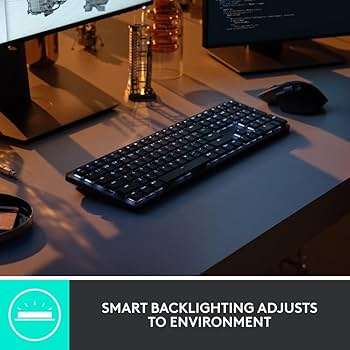
Equipped with hand proximity sensors and ambient light detection, the keyboard automatically lights up when your hands approach, adjusting brightness based on your environment. It’s subtle, responsive, and power-efficient. - Multi-Device Wireless Connectivity
Pair with up to three devices and switch between them instantly using dedicated keys. Compatible with Bluetooth Low Energy and the secure Logi Bolt receiver for flexible connection options across platforms. - Cross-Platform Compatibility
Works seamlessly across Windows, macOS, Linux, ChromeOS, iPadOS, and Android. The keyboard adapts to your system layout and includes Mac-specific key labels for hybrid users. - Extended Battery Life
Use the keyboard for up to 15 days with backlighting, or enjoy a staggering 10 months on a single charge with lights off. Recharge via USB-C, and keep working while it charges. - Modern USB-C Charging
Recharge quickly using a universal USB-C cable—no proprietary charger required. Convenient, reliable, and up to date with 2025 standards. - Premium Materials & Construction
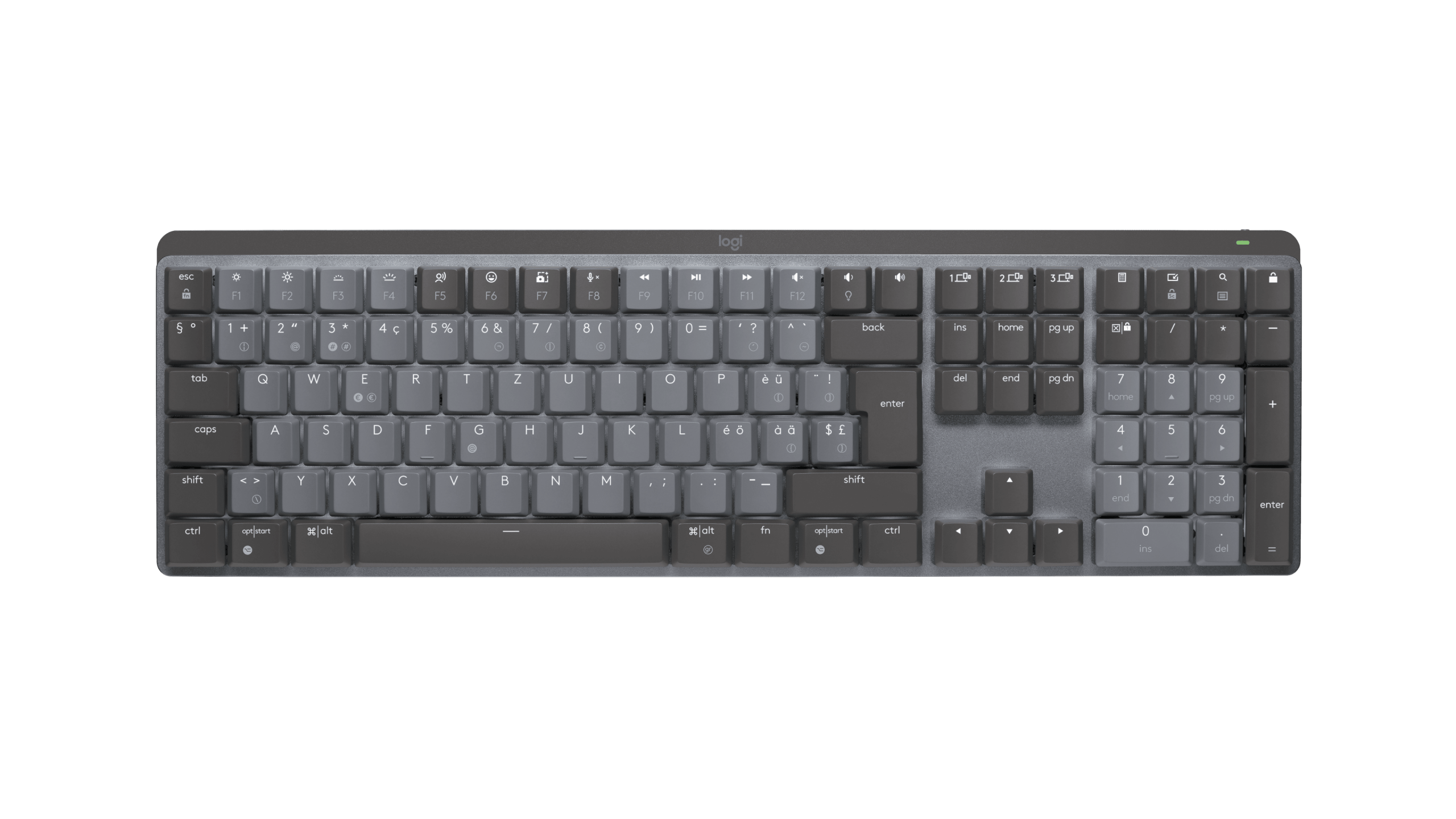
The aluminum top plate offers exceptional rigidity and a high-end feel. The matte graphite finish adds elegance while resisting fingerprints and daily wear. - Available in Two Layouts
• Full-size: Includes a numeric keypad for those who rely on numbers daily.
• Tenkeyless (TKL): Compact and minimalist, perfect for smaller desks or more ergonomic mouse placement.
Performance & Typing Experience
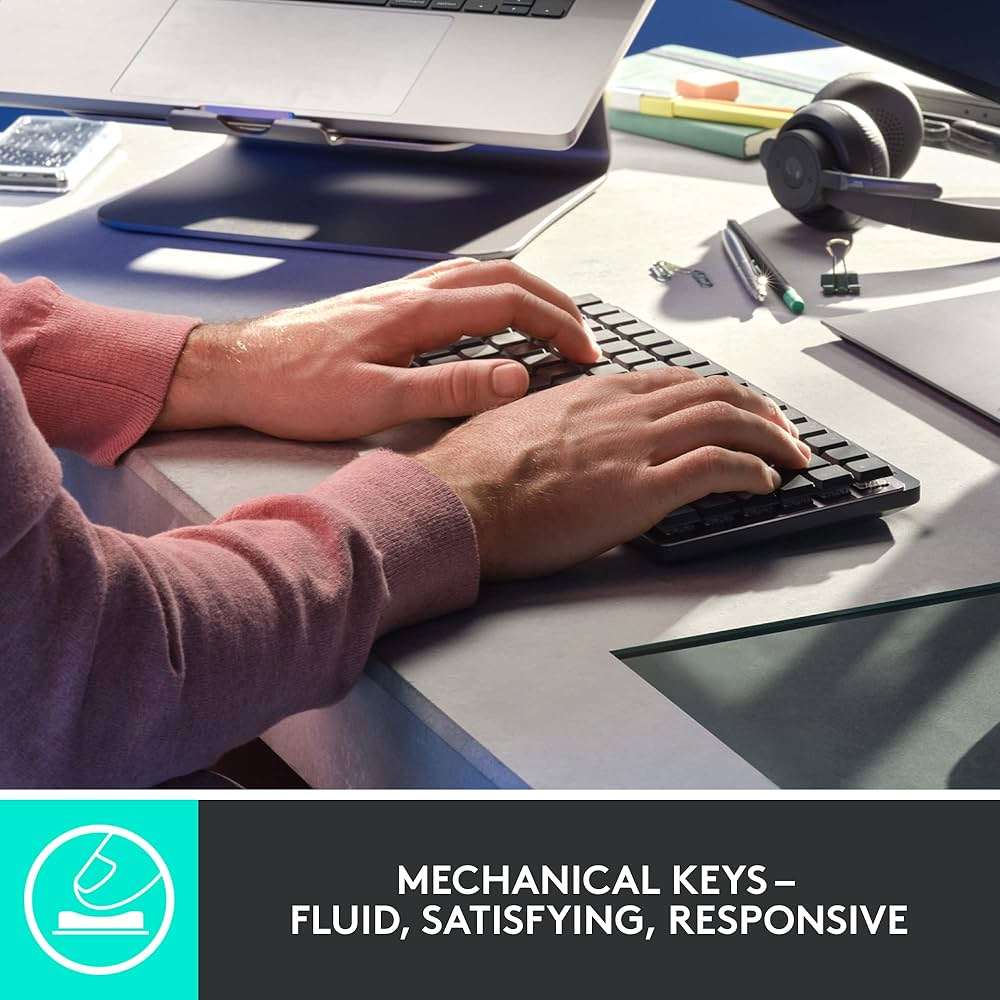
Typing on the MX Mechanical is a genuinely satisfying experience, especially for those who appreciate the feel of mechanical keys without the typical bulk or noise. The low-profile switches are responsive and provide a crisp, tactile bump that is significantly quieter than most traditional mechanical keyboards. This makes it a perfect choice for shared offices, quiet environments, or late-night work sessions.
The Smart Illumination feature is a particular highlight. The backlight subtly activates as your hands approach the keyboard and intelligently adjusts its brightness based on ambient light. It’s a thoughtful detail that feels both elegant and highly efficient, conserving battery without compromising visibility. The sturdy aluminum top plate gives the keyboard a solid, reassuring weight, preventing any flex or sliding during intense typing sessions.
Design & Ergonomics
The MX Mechanical strikes a perfect balance between professional minimalism and modern sophistication. Its graphite finish adds a clean, sharp look to any desk, and the low-profile design helps reduce wrist strain over long periods.
However, the absence of a bundled wrist rest is a notable omission for a premium product aimed at long-haul productivity. While many users will find the keyboard comfortable with its built-in tilt, a dedicated wrist rest is highly recommended for those who type for extended hours. Despite being wireless, its weight and robust construction make it feel more like a stationary workhorse than a travel companion, perfectly suited for a permanent desktop setup.
Connectivity & Battery Life
This is where the MX Mechanical truly shines as a productivity powerhouse. The ability to pair with up to three devices simultaneously allows for effortless transitions between a desktop, laptop, or tablet with a simple button press. The multi-OS compatibility, including Mac-specific key legends, further enhances its versatility for users in diverse digital ecosystems.
Battery life is a major selling point: an incredible 10 months with the backlight off, or a very respectable 15 days with it on. Recharging via the included USB-C cable is quick and hassle-free, ensuring the keyboard is always ready for your next project.
Enjoy peace of mind with fast, reliable deliveries — and unlock a world of benefits including Prime Video, exclusive deals, and more.
Try Amazon Prime free for 30 days →
Featured Video
Video Summary and Key Takeaways
After a comprehensive unboxing and usage period, this review calls the MX Mechanical the “safe bet” among modern low-profile mechanical keyboards.
The reviewer highlights:
- 📌 The keyboard’s premium build and quiet mechanical feedback, ideal for professionals seeking productivity without noise.
- ⚙️ Its cross-device compatibility and stable typing experience serve as standout advantages.
- 💬 Notes its slightly steep price but states that the overall value is justified for daily users.
Transcript Excerpts (paraphrased)
“The MX Mechanical is a low‑profile mechanical keyboard built for productivity … it might cost more than average, but the typing feel and compatibility make it worth it.”
youtube.com
No full transcript is available in text form, but these highlights reflect central feedback cited in the video.
Pros & Cons
| Pros | Cons |
| ✅ Excellent typing feel with quiet mechanical switches: Crisp, precise keystrokes that don’t disrupt a quiet environment. | ❌ No wrist rest included: A notable omission at this premium price point for users who type for hours on end. |
| ✅ Smart backlighting with proximity sensors: An elegant and battery-efficient feature that enhances the user experience. | ❌ Limited customization: Lacks the hot-swappable switches and macro functionality of enthusiast-grade keyboards. |
| ✅ Seamless cross-platform and multi-device pairing: Effortlessly switch between up to three devices and multiple operating systems. | ❌ Not ideal for travel: Its weight and robust build make it best suited for a stationary desk. |
| ✅ Exceptional battery life & USB-C charging: Offers class-leading battery longevity for a wireless mechanical keyboard. | ❌ Less portable: The full-size keyboard is not optimized for a mobile or minimalist setup. |
| ✅ Premium design with an aluminum top plate: Provides a sturdy feel and a high-end, professional aesthetic. |
Premium Wireless keyboards comparison
Logitech MX Mechanical
✓ Excellent typing feel, smart backlight, multi-device
✗ No wrist rest, not ultra-portable
Price: ~$169
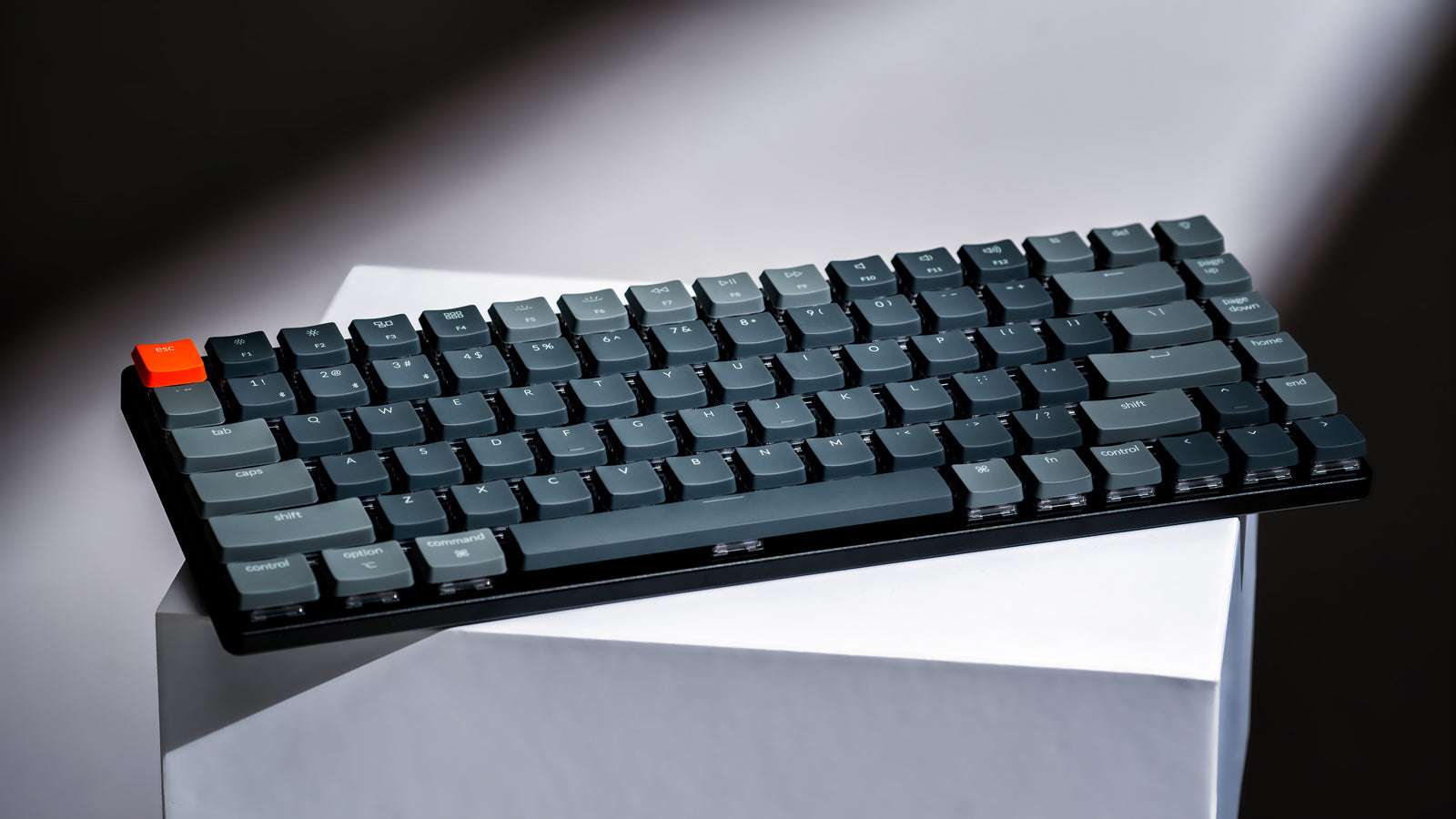
Keychron K3 (V2)
✓ Slim, hot-swappable, Mac-friendly
✗ Shorter battery life, build less premium
Price: ~$62.99
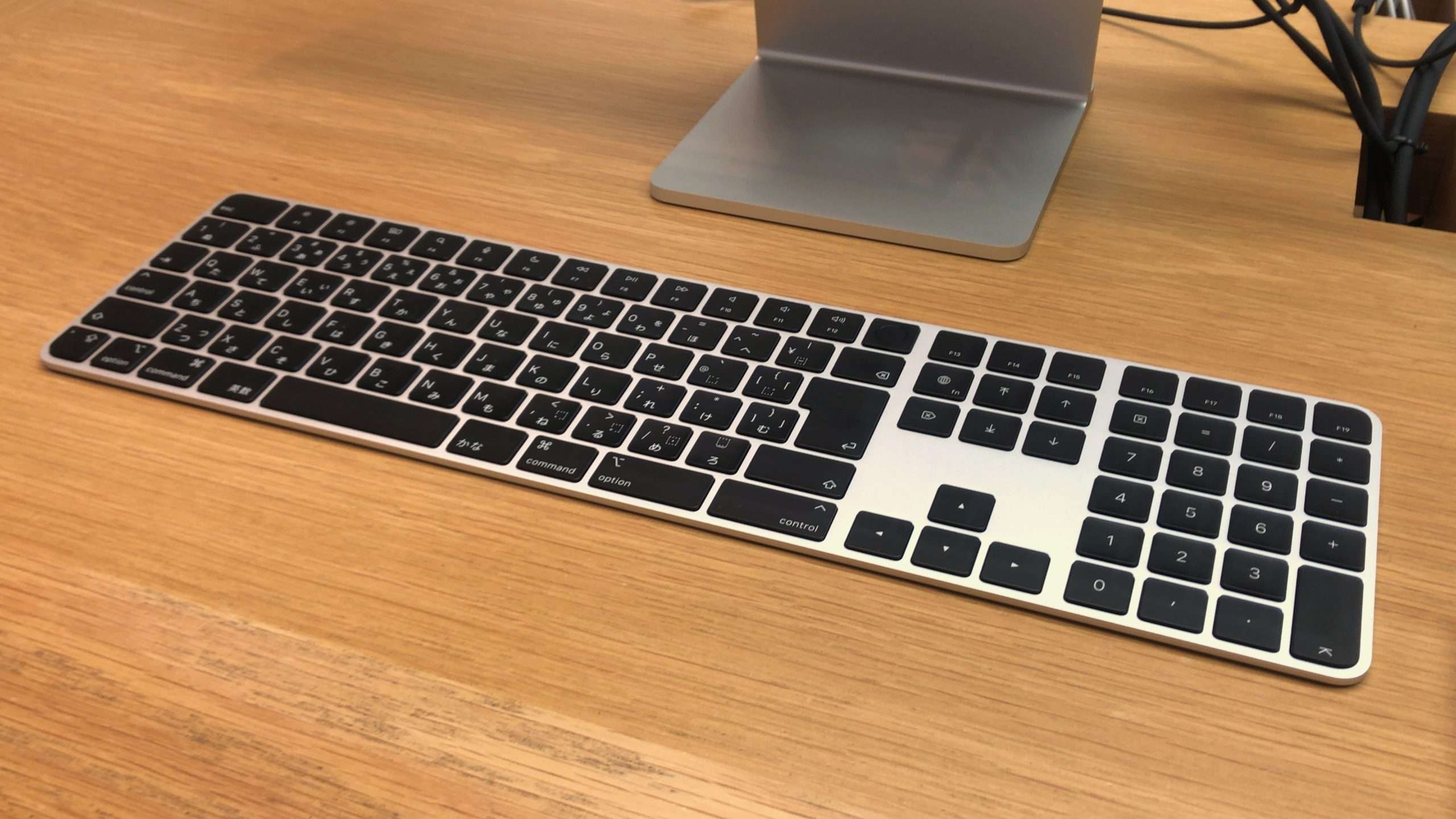
Apple Magic Keyboard
✓ Sleek, silent, Touch ID integration
✗ Not mechanical, Apple-only ideal
Price: ~$179
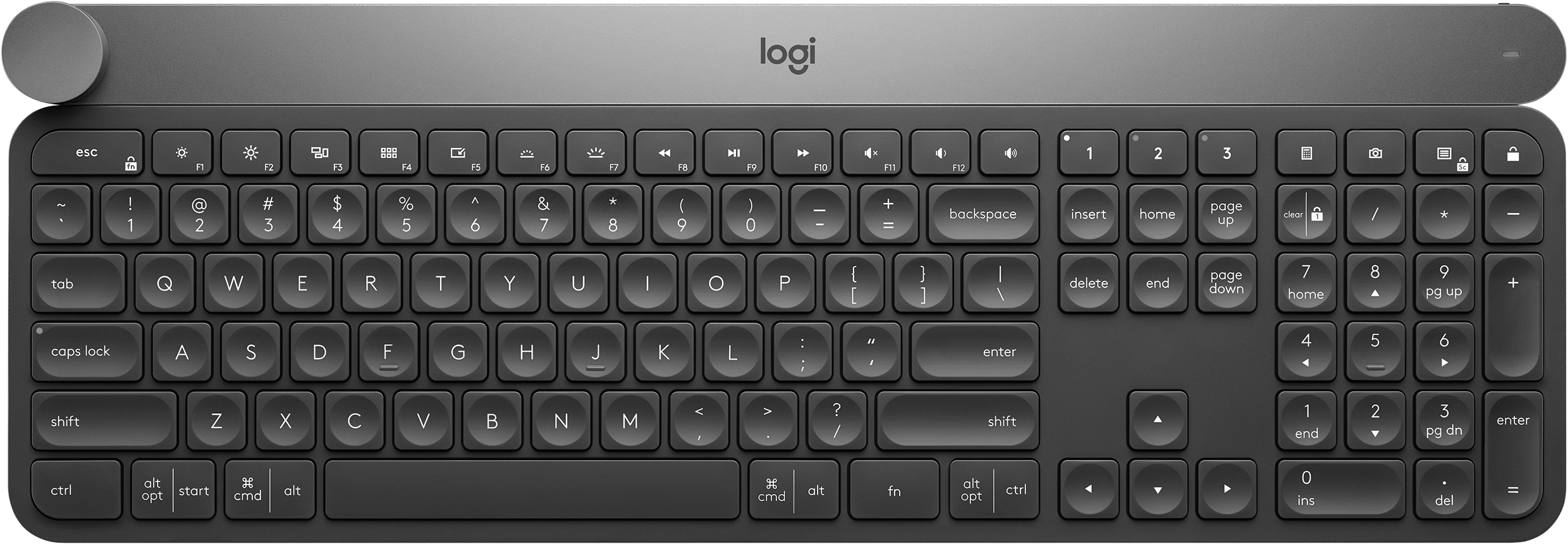
Logitech Craft
✓ Creative input dial, solid design
✗ No mechanical feel, expensive
Price: ~$165
DeskZen’s Take on the Comparison
While all four keyboards target professionals, they cater to very different user profiles.
- The Logitech MX Mechanical emerges as the best all-rounder for productivity-focused users who value quiet mechanical typing, intelligent backlighting, and seamless multi-device use. It balances premium build with long battery life and is ideal for those typing 6+ hours a day across multiple platforms.
- Keychron K3 (V2) is a fantastic budget-friendly option for those who want a customizable mechanical experience in a slim form factor. However, its battery life and overall build don’t match up to the MX Mechanical.
- Apple’s Magic Keyboard with Touch ID is sleek and silent, with perfect integration into the macOS ecosystem. But it lacks mechanical feedback and has limited appeal outside the Apple universe.
- The Logitech Craft is best suited to creatives who will benefit from the input dial, but its high price and membrane switches make it less compelling for hardcore typists or coders.
👉 If you’re looking for a keyboard that feels like a true typing companion and not just a peripheral, the MX Mechanical is a wise long-term investment. For more casual users or travelers, the Keychron K3 offers impressive flexibility at a lower cost.
DeskZen’s Take on the Logitech MX Mechanical
The Logitech MX Mechanical is not designed for the hardcore mechanical keyboard modding community. Its focus isn’t on flashy RGB lighting, hot-swappable switches, or elaborate macro layers. Instead, it is built for a different kind of user: the professional who needs a tool that performs flawlessly, quietly, and reliably across multiple devices.
Every aspect of this keyboard, from its low-profile keys to its smart backlighting, is a deliberate choice made in service of usability and productivity. It strikes a remarkable balance between the tactile satisfaction of mechanical switches and the quiet elegance required in a professional setting. The MX Mechanical feels like a tool crafted for a calm, focused, and high-output workspace.
While its price may be high for casual users, for professionals who spend a significant portion of their day typing, it’s an investment that delivers tangible returns in comfort, efficiency, and a refined typing experience.
User & Expert Feedback
- Users say:
- “It’s the first mechanical keyboard I can actually use in meetings without bothering anyone.”
- “Logitech nailed it—it feels like typing on air, but with control.”
- “The backlight is smarter than any other keyboard I’ve owned.”
- Expert reviews highlight:
- PCMag: Praises its “clean typing experience and efficient design.”
- TechRadar: Calls it “the mechanical keyboard for grown-ups.”
- The Verge: Notes it’s “the perfect middle ground between a Mac chiclet and a gaming keyboard.”
Final Verdict
The MX Mechanical is not a gaming keyboard. It is not flashy, nor is it endlessly customizable.
However, it is beautifully built, quietly powerful, and remarkably efficient. This makes it a perfect fit for remote workers, developers, and digital creatives in need of a high-end, reliable typing tool that simply works.
- ✅ Best for: Professionals who want the benefits of mechanical typing without the noise or gamer aesthetic.
- ⛔ Not ideal for: Enthusiasts who want deep customization or users who need an ultra-portable keyboard for travel.
- 💰 Worth it? Absolutely—if you spend 6+ hours typing daily, the value is undeniable.

Leave a Reply