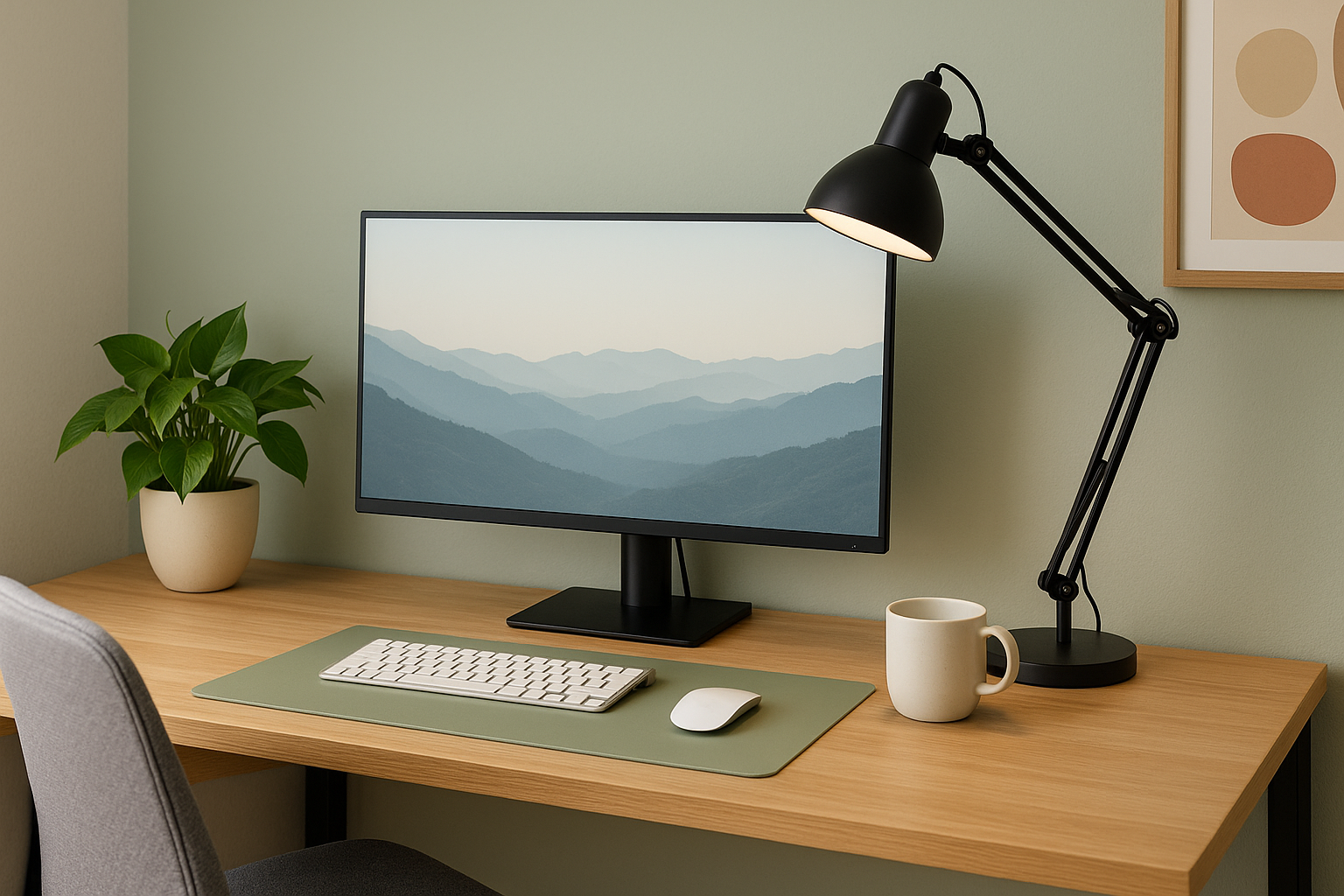
Update August 2025
Why ergonomic office lighting and color matter for remote workers ?
Proper office lighting and carefully chosen color palettes are essential for maintaining eye health, preventing headaches, and maximizing productivity—especially when you’re working long hours at home or in a shared office. In this guide, you’ll learn actionable, long-tail SEO–friendly strategies for optimizing your lighting setup and environmental color, from natural light placement to anti–blue light protection, so you can create the ultimate ergonomic home office environment.
This article is part of our Remote Work Essentials series, where we explore smart ways to boost comfort and focus in your home or office setup — starting here with lighting and color design.
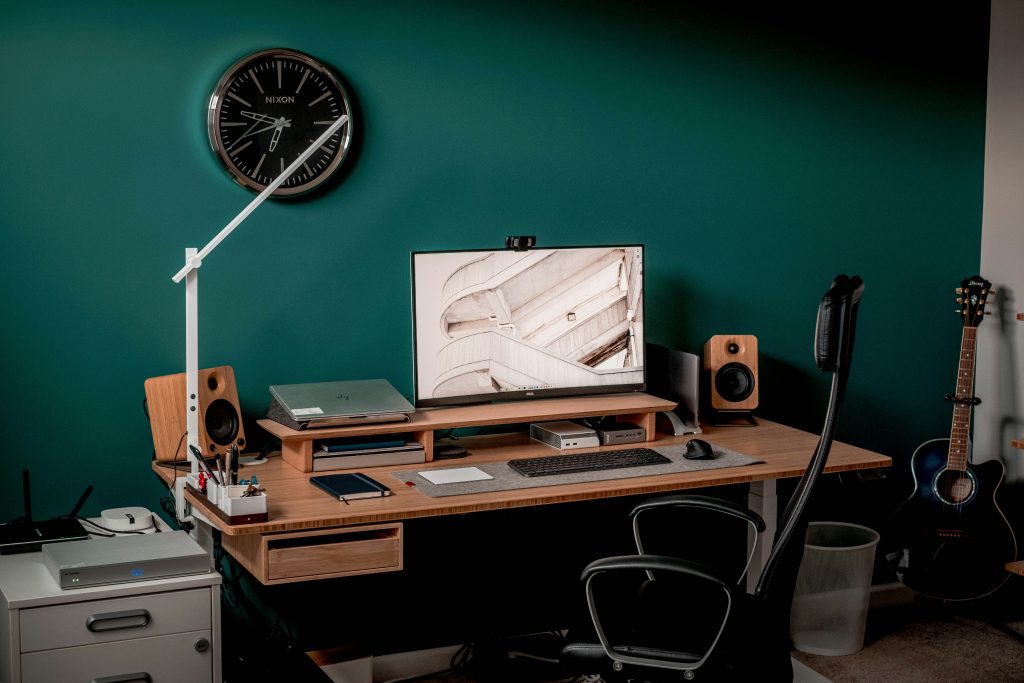
Check more workspace reviews :
1. Best Office Lighting Tips for Ergonomic Home Office
1.1 Measure your lighting levels with a Lux Meter App
- Aim for 300–500 lux on your desk surface to prevent uneven illumination that leads to rapid pupil adjustments and fatigue.
- Use a smartphone lux-meter app (search “lux meter app for home office”) to check your current light levels and identify dark spots.
1.2 How to use natural light to reduce eye strain in your home workspace
- Position your desk perpendicular to windows to maximize soft daylight while reducing direct glare on your screen.
- Install sheer curtains or adjustable blinds to diffuse harsh sunlight without blocking beneficial natural light.
1.3 Top adjustable task lamps for remote workers
- Overhead LED Panels with diffusers provide consistent room lighting without hot spots.
- Adjustable Task Lamps with an articulating arm let you direct 400–600 lumens exactly where you need it—ideal for detailed work.
- Bias Lighting Strips behind your monitor increase perceived contrast and reduce eye strain by evening out the light around your screen.
2. Color temperature guide: Choosing the right Kelvin rating for productivity
2.1 Understanding color temperature: Kelvin ratings explained
- 2,700–3,000 K (Warm White): Best for late-afternoon wrap-up sessions to ease your transition into evening.
- 3,500–4,100 K (Neutral White): Ideal for daytime office tasks—balances comfort and alertness.
- 5,000–6,500 K (Cool White): Mimics daylight for high-precision work, brainstorming sessions, and video calls.
2.2 When to switch from cool white to warm white lightbulbs ?
- Morning Boost: Start your day at ~4,000 K to kickstart focus and reduce melatonin production.
- Afternoon Maintenance: Maintain neutral white (~3,500 K) to sustain alertness without overstimulation.
- Evening Wind-Down: Shift to warm white (~2,700 K) after 6 PM to protect your circadian rhythm and prepare for restful sleep.
3. Anti–blue light solutions: Software and screen protectors for telecommuters
3.1 Choosing the right anti–blue light software for remote workers
- f.lux, macOS Night Shift, and Windows Night Light automatically shift your screen’s color temperature toward warmer hues at sunset—search “best blue light filter for home office.”
- Schedule these tools to engage at your local sunset time (e.g., 7:30 PM local Mayotte time) to maintain a healthy sleep cycle.
3.2 Physical screen protectors and glasses for digital eye comfort
- Look for CLA-rated screen films that block up to 90% of high-energy visible (HEV) light without distorting colors.
- Consider clear-lens blue-light–blocking glasses if you frequently switch between devices.
4. Top calming color schemes for home office walls and accents : Creating a zen environment
4.1 Cool and neutral base colors to enhance focus
- Pale Sage, Soft Dove Gray, or Muted Teal walls reflect light evenly and foster calm concentration.
- Avoid deep or highly saturated paints that absorb light and make spaces feel smaller.
4.2 Accent shades that boost creativity and energy
- Use subtle pops of mustard, terracotta, or slate blue in décor items—pillows, desk organizers, or art prints—to stimulate creativity without overwhelming your senses.
- Keep accessories in the 10–20% color ratio: 70% neutrals, 20% accent, 10% statement pieces.
4.3 Sample palette: Ergonomic color combination for telecommuters
| Mood | Wall Color | Accent Shade | Highlight Tone |
|---|---|---|---|
| Calm Focus | Soft Dove Gray | Sage Green | Bright White |
| Creative Zen | Pale Sage | Terracotta | Cream |
| Energy Boost | Cool Gray | Mustard Yellow | Matte Black |
5. Step-by-step setup an ergonomic home office lighting checklist
- Measure and Adjust
- Use a lux-meter app to ensure 300–500 lux at your workspace.
- Position Your Lighting
- Place overhead lights behind or above you; angle task lamps to avoid screen glare.
- Tune Your Color Temperature
- Start at 4,000 K in the morning; drop to 3,000 K or lower after 6 PM.
- Activate Blue Light Filters
- Schedule software filters from sunset to bedtime; consider physical screen protection.
- Refresh Your Color Palette
- Paint or decorate with cool neutrals for walls, introduce muted accent colors, and use statement pieces sparingly.
Frequently Asked Questions
+What is the ideal color temperature for office lighting?
+Does wall color affect visual comfort in an office?
+Can natural light be enough for working?
+How can I reduce screen glare in a brightly lit room?
+Is warm lighting better for productivity?
Conclusion: Achieve lasting visual comfort and productivity
By strategically combining ergonomic lighting techniques and long-tail keyword–optimized color schemes, you’ll create a home or office workspace that not only looks professional but also supports your eye health and productivity. Start by implementing one or two changes—such as adding a bias lighting strip or switching your LEDs to 4,000 K—and notice the immediate impact on your focus and energy. Share your setup and results with the DeskZen community to inspire others on their journey to a healthier, more comfortable workday.

Leave a Reply