
The Ultimate Video Conferencing Setup for Professionals (2025)
In the world of remote work, your virtual presence is your professional presence. We’ve cut through the noise to curate the single **ultimate video conferencing setup**—the best webcam, microphone, and light—to ensure you look and sound exceptional on every call.
The DeskZen Curated A/V Kit
This isn’t a list of options; it’s a definitive recommendation. We’ve selected the Logitech Brio 4K, Shure MV7, and Elgato Key Light as the three components of a perfect, no-compromise system that delivers professional-grade audio and video quality for your home office.
How We Curate the Ultimate Setup
To define the **ultimate video conferencing setup**, we didn’t look for compromises. We synthesized data from professional A/V reviewers, tech publications, and thousands of reviews from remote work professionals to find the “best-in-class” for each category.
- Video Quality Analysis: We focused on 4K sensor quality, low-light performance (HDR), and auto-focus reliability. Sources include technical breakdowns from channels like EposVox.
- Audio Clarity Analysis: We prioritized microphones with excellent voice isolation (cardioid polar pattern) to reject room noise, and user-friendly features for non-audiophiles.
- Lighting Quality Analysis: We looked for lights that produce soft, diffuse illumination to reduce harsh shadows, with adjustable color temperature to match any environment.
Deconstructing the Ultimate Setup: The Three Pillars of a Pro Presence
A professional virtual presence isn’t about one magic device; it’s a system of three components working together. Upgrading from your laptop’s built-in hardware to a dedicated setup is the single biggest leap you can make in how you’re perceived in online meetings.
Buyer’s Guide: Key Criteria in a Table
| Component | Key Criterion | Why It Matters |
|---|---|---|
| Webcam | Sensor & Resolution (4K) | A larger, higher-quality sensor captures more light, resulting in a clearer, less grainy image, especially in non-ideal lighting. 4K provides ultimate sharpness and future-proofing. |
| Microphone | Type (Dynamic vs. Condenser) | **Dynamic** mics (like the Shure MV7) are excellent at rejecting background noise, making them ideal for untreated home office environments. **Condenser** mics are more sensitive and can sound more “airy,” but pick up more room sound. |
| Lighting | Type (Key Light) & Diffusion | A dedicated **Key Light** is a large, soft light source placed to one side of your camera. Its purpose is to illuminate your face evenly and professionally, eliminating unflattering shadows. Diffusion is critical for avoiding harsh, glossy reflections. |
Why This Specific Setup? A Deliberate Choice
In a market flooded with options, decision fatigue is real. Instead of presenting a dozen choices, we’ve done the curation for you. These three products were deliberately chosen as the “best in class” in their respective categories to form a single, cohesive, and **ultimate video conferencing setup**. Our choices are based on a simple philosophy: invest once in reliable, high-performance tools that solve problems, rather than creating new ones. This kit is the answer for any professional who values clarity, reliability, and an exceptional virtual presence.
Where to Start? Prioritizing Your Investment
If you can’t invest in the full $649 setup at once, upgrade in order of impact:
- Audio (The Microphone): Clear audio is more critical than perfect video. It makes you sound professional and authoritative.
- Lighting (The Key Light): Good lighting is the biggest upgrade you can make to your video quality, transforming even a basic webcam.
- Video (The 4K Webcam): The final polish. A high-quality webcam captures the detail that professional lighting reveals.
The 3 Components of the Ultimate Video Conferencing Setup
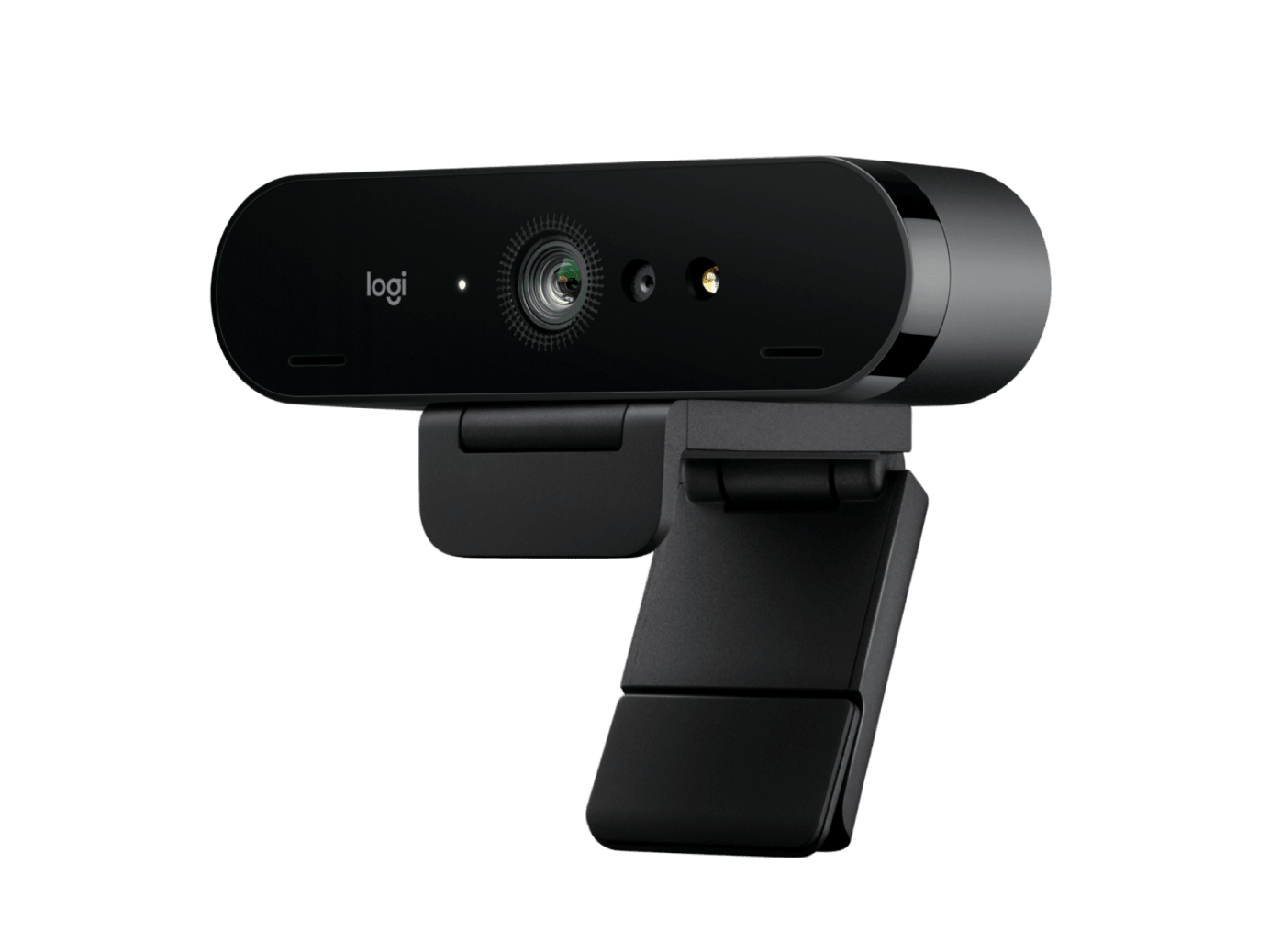
1. The Webcam: Logitech Brio 4K
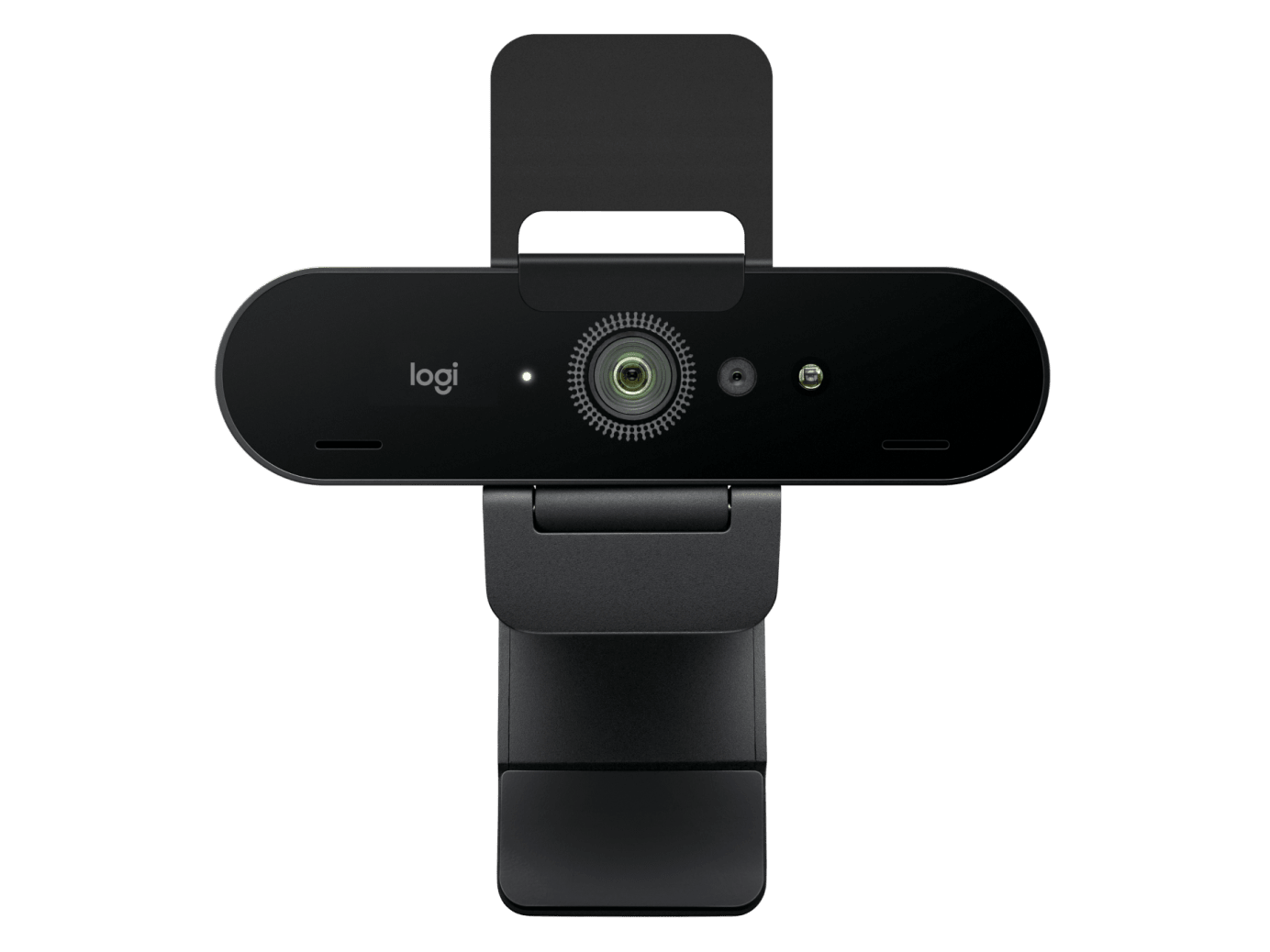
The visual foundation of our **ultimate video conferencing setup** is the Logitech Brio 4K. It delivers a crisp, ultra-high-definition image that consumer-grade webcams can’t match. Its RightLight 3 and HDR technology automatically adapt to any lighting condition, from a dark room to a bright, backlit window, ensuring you always look clear and professional.
In Context
User & Expert Synthesis
Experts from publications like TechCrunch and Wirecutter consistently name the Brio the best prosumer webcam available, praising its 4K image clarity and excellent auto-exposure. Users highlight its “plug-and-play” simplicity and its compatibility with Windows Hello for secure login. The main critique is that to get the absolute most out of it, some fine-tuning in the Logi Tune software is recommended, which is a small price to pay for this level of quality.
✓ Pros
- Crisp 4K Ultra HD resolution
- Excellent performance in all lighting conditions (HDR)
- Windows Hello compatible
- Professional build quality
✗ Cons
- Premium price point
- Requires a USB 3.0 port for 4K streaming
DeskZen’s Take
Your webcam is your virtual handshake. The Brio 4K ensures that your first impression is sharp, clear, and professional, regardless of your environment. It’s the most reliable and highest-quality option before stepping up to a complex DSLR setup.
2. The Microphone: Shure MV7
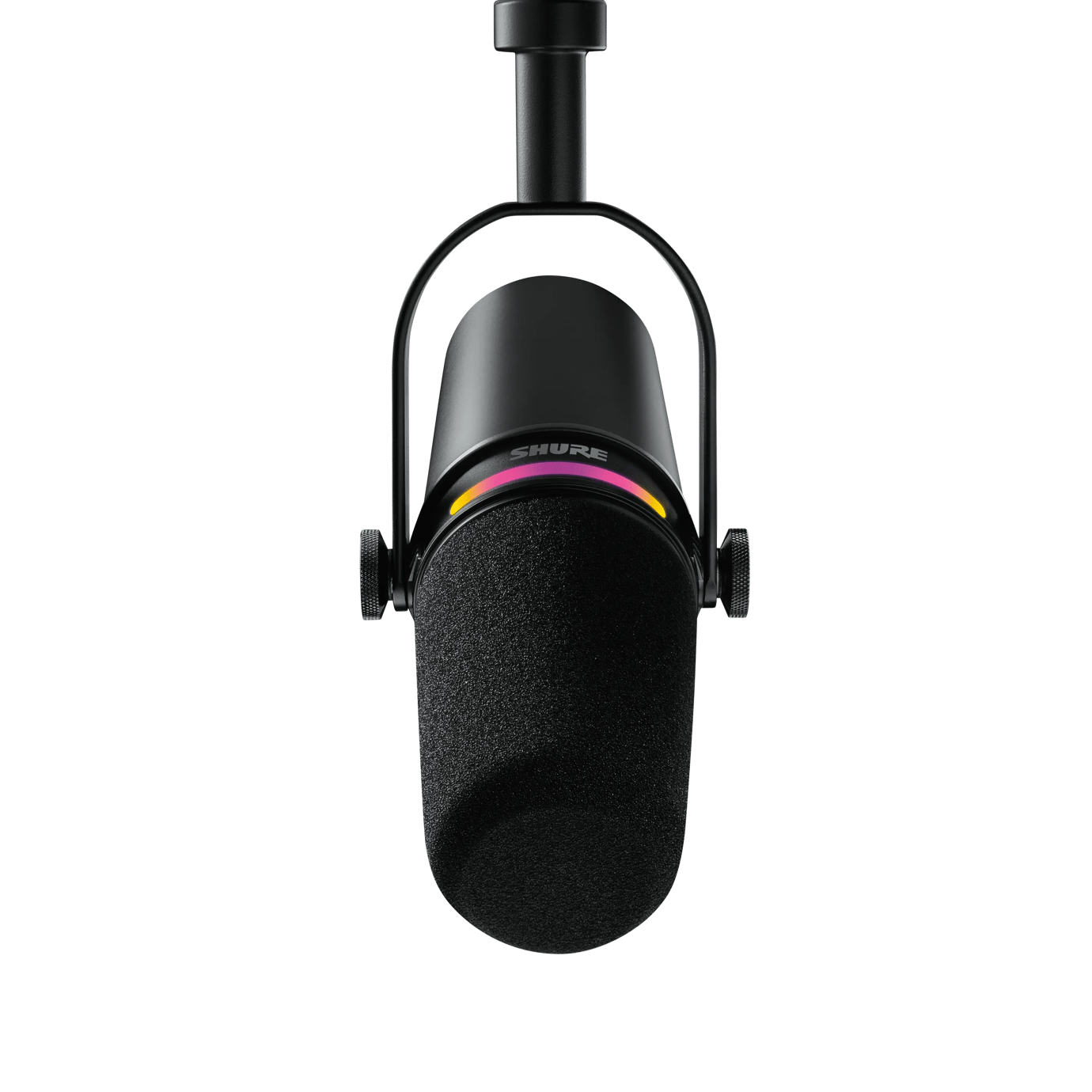
Great video is pointless if your audio is poor. The Shure MV7 is a legendary podcasting microphone adapted for the professional home office. As a dynamic microphone, it excels at voice isolation, capturing the richness of your voice while rejecting background noise like keyboard clicks or room echo. Its hybrid USB/XLR design makes it both beginner-friendly and future-proof. This is the core of a truly **professional video conferencing setup**.
In Context
User & Expert Synthesis
Audio experts and podcasters consistently recommend the MV7 as the best USB microphone for voice. Its ability to produce a clear, broadcast-quality sound with minimal background noise is its most praised feature. Users love the “Auto Level Mode” in the Shure MOTIV app, which automatically adjusts settings for perfect audio without any technical knowledge. For anyone tired of thin, echoey sound, this is the definitive upgrade.
✓ Pros
- Broadcast-quality vocal clarity
- Excellent background noise rejection
- User-friendly software with “Auto Level Mode”
- Hybrid USB and XLR connectivity
✗ Cons
- Requires a stand or boom arm for best placement
- Higher price than entry-level mics
DeskZen’s Take
The Shure MV7 is the solution to the most common problem in video calls: bad audio. It ensures your message is heard with authority and clarity. Investing in good audio is more important than investing in 4K video, and the MV7 is the best purpose-built tool for the job.
3. The Lighting: Elgato Key Light
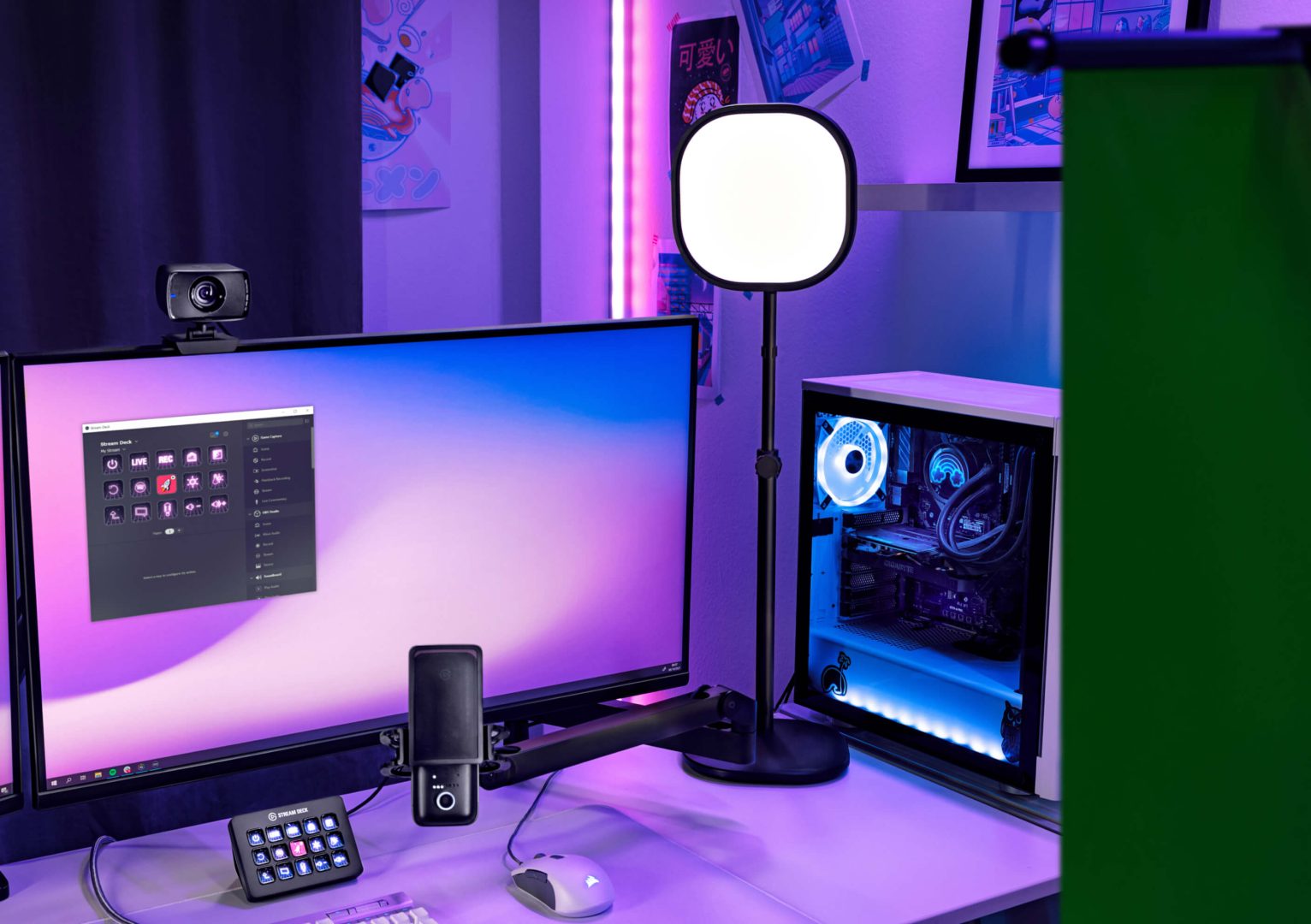
Good lighting is the secret ingredient that ties everything together. The Elgato Key Light is a professional-grade, edge-lit LED panel that produces soft, diffuse light that flatters any face without creating harsh shadows or eye strain. Controlled wirelessly from your computer or phone, it allows you to dial in the perfect brightness and color temperature for any time of day, completing the **ultimate video conferencing setup**.
In Context
User & Expert Synthesis
Originally designed for professional streamers, the Key Light has been adopted by the remote work community as the best-in-class solution for video call lighting. Experts and users praise its soft, even light and the convenience of its app control. The desk clamp mount is also a major plus, saving space compared to traditional tripods. It’s consistently recommended as a key component of the **best video conferencing setup**.
✓ Pros
- Produces soft, flattering, professional-grade light
- Adjustable brightness and color temperature
- Controlled wirelessly via app
- Space-saving desk clamp mount
✗ Cons
- Premium price for a lighting solution
- Requires a Wi-Fi connection to operate
DeskZen’s Take
The Elgato Key Light is the difference between an amateur and a professional look. It elevates your video presence from “dim webcam” to “well-lit studio.” For anyone in a client-facing role, this is not a vanity purchase; it’s a professional tool that enhances your credibility on every call.
Final Verdict: The Ultimate Investment in Your Professional Presence
In a remote-first world, your virtual presence matters. Investing in the right tools is investing in your career. This **ultimate video conferencing setup** is a curated, no-compromise solution. The **Logitech Brio 4K** ensures you are seen clearly, the **Shure MV7** ensures you are heard perfectly, and the **Elgato Key Light** ensures you are seen in the best light. Together, they form a cohesive system that elevates your presence from amateur to authoritative.
Frequently Asked Questions
Is a 4K webcam really necessary if Zoom/Teams stream in 1080p?
Yes. A 4K sensor provides a much higher quality image to start with. When this 4K image is downsampled to 1080p by the software, it results in a significantly sharper, clearer, and more detailed 1080p picture than what a native 1080p webcam can produce. It also gives you the flexibility to digitally pan and zoom without losing quality.
Do I really need a big microphone like the Shure MV7?
For professional sound, yes. Your laptop’s built-in microphone is an omnidirectional mic designed to pick up sound from everywhere. A dedicated microphone like the MV7 is directional (cardioid), meaning it’s designed to capture your voice directly in front of it while rejecting sounds from the sides and back (like your keyboard or room echo).
Can’t I just use a cheap ring light?
While a ring light is better than no light, it often creates harsh, flat lighting and produces tell-tale reflections in your eyes and glasses. A dedicated Key Light, placed off-center, creates a more natural and professional lighting pattern with soft shadows that define your features better.
Do I need a boom arm for my microphone?
It is highly recommended. A boom arm allows you to position the microphone for optimal sound pickup (close to your mouth, but out of the camera’s frame) and provides shock absorption to reduce vibrations from your desk. It’s a key part of a professional setup.
Does this setup require any special software?
All three components are plug-and-play and will work out of the box. However, to unlock their full potential, each comes with its own free software (Logi Tune for the webcam, ShurePlus MOTIV for the mic, and Elgato Control Center for the light) that allows for advanced customization.
Related Guides
Your professional video presence deserves a professional-grade display to match.
Explore Monitors → Best Standing DesksBuild the perfect foundation for your ultimate video conferencing setup.
Compare Desks → From Our Sister Site: HQKitchenGuyA perfect home office needs a perfect coffee break. Discover the best espresso machines to complete your setup.
Explore Coffee Makers → Best Thunderbolt 4 DocksConnect your entire setup—webcam, mic, light, and monitor—to your laptop with a single cable.
Explore Docks → The Ultimate Cable Management GuideKeep your new professional setup looking clean and organized.
Organize Your Cables →Traceability & Update Log
- Initial Publication
-
First edition of this curated setup guide was published.

Leave a Reply
You must be logged in to post a comment.